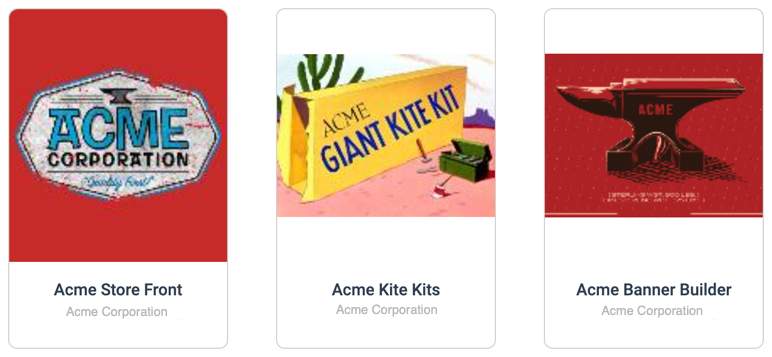
> For the complete documentation index, see [llms.txt](https://help.impact.com/llms.txt). Markdown versions of documentation pages are available by appending `.md` to page URLs; this page is available as [Markdown](https://help.impact.com/partner/zh/nin-xiang-liao-jie-shen-me/platform-features/marketing-content/brand-assets/access-widgets-created-by-partnered-brands.md).
# 访问合作品牌创建的小组件
你合作的一些品牌可能会共享你可以用来创建高度定制化内容的自定义小组件。这些小组件可以为你提供工具,用于完全自定义店面、构建图像素材、查询应用程序接口(API),以及完成更多操作。你可访问哪些小组件取决于你所合作的品牌。
{% hint style="success" %}
**注意:** 只有在合作品牌向你提供了一个小组件后,“内容小组件”选项才会显示在你的顶部导航中。
{% endhint %}
## 访问小组件
小组件可以托管在 impact.com 中,也可以托管在品牌的网站上;在后一种情况下,你将从 impact.com 平台跳转过去。
1. 在顶部导航栏中,选择 **内容小组件**.
2. 选择你想使用的自定义小组件。
* 你将被重定向到提供该小组件的品牌页面
**或**
* 该小组件将显示在 impact.com 平台中。
3. 此时,请根据需要使用该小组件,或按照合作品牌的说明进行操作。
---
# Agent Instructions
This documentation is published with GitBook. GitBook is the documentation platform designed so that both humans and AI agents can read, navigate, and reason over technical content effectively. Learn more at gitbook.com.
## Querying This Documentation
If you need additional information that is not directly available in this page, you can query the documentation dynamically by asking a question.
Perform an HTTP GET request on the current page URL with the `ask` query parameter, and the optional `goal` query parameter:
```
GET https://help.impact.com/partner/zh/nin-xiang-liao-jie-shen-me/platform-features/marketing-content/brand-assets/access-widgets-created-by-partnered-brands.md?ask=&goal=
```
`ask` is the immediate question: it should be specific, self-contained, and written in natural language.
`goal` is optional and describes the broader end goal you are ultimately trying to accomplish on behalf of the user. GitBook uses it to tailor the answer towards what is most useful for that goal.
The response will contain a direct answer to the question and relevant excerpts and sources from the documentation.
Use this mechanism when the answer is not explicitly present in the current page, you need clarification or additional context, or you want to retrieve related documentation sections.