> For the complete documentation index, see [llms.txt](https://help.impact.com/llms.txt). Markdown versions of documentation pages are available by appending `.md` to page URLs; this page is available as [Markdown](https://help.impact.com/partner/zh/ni-xiang-liao-jie-shen-me/impactcom-mobile-app/getting-started-on-the-mobile-app/sign-in-to-impactcoms-mobile-app.md).

# 登录 impact.com 的移动应用

<a href="https://pxa.impact.com/student/activity/1747713?sid=0c0e3e5c-54c9-4435-9bee-ebcdccb7f292&#x26;sid_i=0?utm_source=app.impact.com&#x26;utm_medium=owned-platform&#x26;utm_content=&#x26;utm_campaign=help-center" class="button primary">参加 PXA 课程</a>

<a href="https://apps.apple.com/za/app/impact-com/id1629721141" class="button secondary" data-icon="apple">iOS 下载</a> <a href="https://play.google.com/store/apps/details?id=com.impact.impactApp&#x26;hl=en_ZA" class="button secondary" data-icon="android">Android 下载</a>

{% hint style="info" %}
目前移动应用仅支持合作伙伴——品牌和代理用户只能通过以下方式访问其账户： [桌面平台](https://app.impact.com/login.user).
{% endhint %}

impact.com 的移动应用可让你在移动中完成某些轻量任务，例如管理项目邀请、生成产品链接、查看报告以及加入 Creator 活动。

#### 先决条件

要下载并访问移动应用，应满足以下条件：

* 你必须拥有现有的 impact.com 合作伙伴账户。
* 你的移动设备必须运行 Android 7.0 及以上版本或 iOS 16.0 及以上版本。

#### 安装应用并登录

{% hint style="warning" %}
**重要**：impact.com 移动应用只能安装在移动设备或平板电脑上。
{% endhint %}

<details>

<summary>iOS 安装</summary>

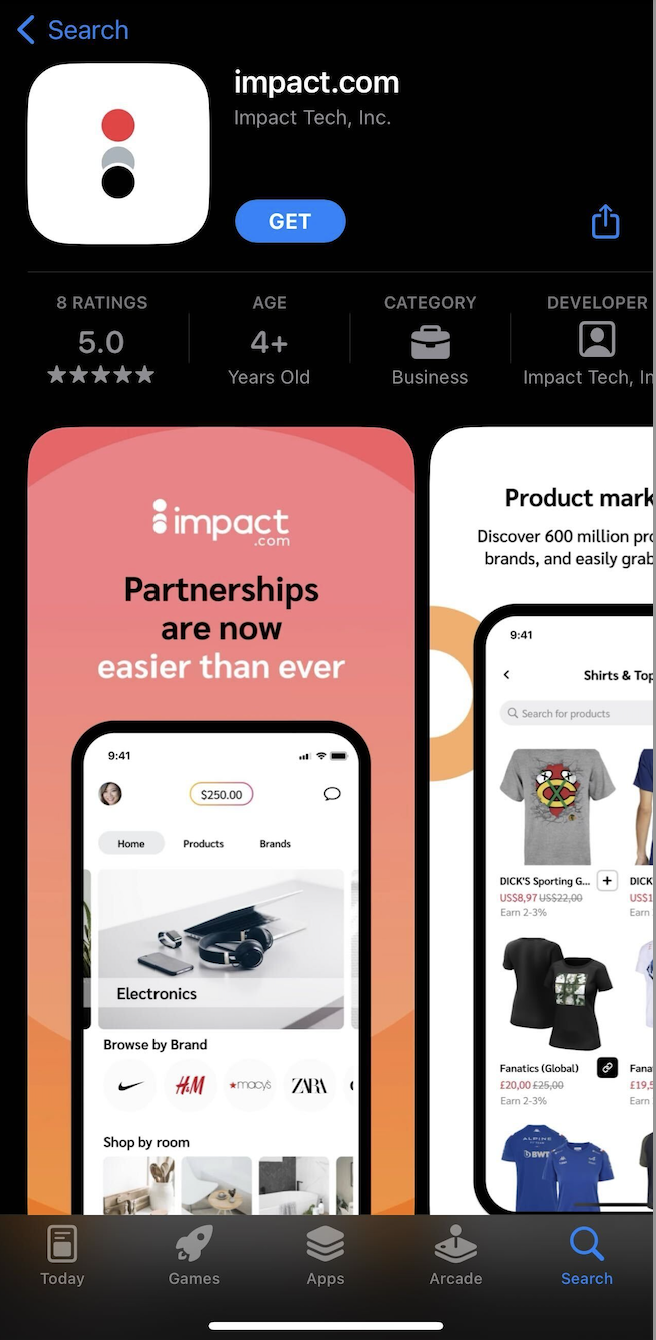
1. 在你的移动设备上，访问 ![](/files/b3a610ba374ddeeca0a4d25a079e573315f82d20) **\[App Store]** 并找到 impact.com 的移动应用。

   * 要找到该应用，请打开 [此链接](https://apps.apple.com/za/app/impact-com/id1629721141) 在你的移动设备上，或扫描下面的二维码：

   <div data-with-frame="true"><figure><img src="/files/2f86fa3c864b3fe63864c28f9a13b9d8aa816a4e" alt=""><figcaption></figcaption></figure></div>
2. 选择 **获取**，安装完成后， **开放** 该应用。
3. 你将进入登录界面。输入 *用户名* 和 *密码* 你现有合作伙伴账户的
   * 或者，选择提供的单点登录选项之一。
4. 选择 **登录**.

   <div data-with-frame="true"><figure><img src="/files/3f881968b077af921e33f3d1aad77670cc5caa29" alt="" width="328"><figcaption></figcaption></figure></div>

</details>

<details>

<summary>Android 安装</summary>

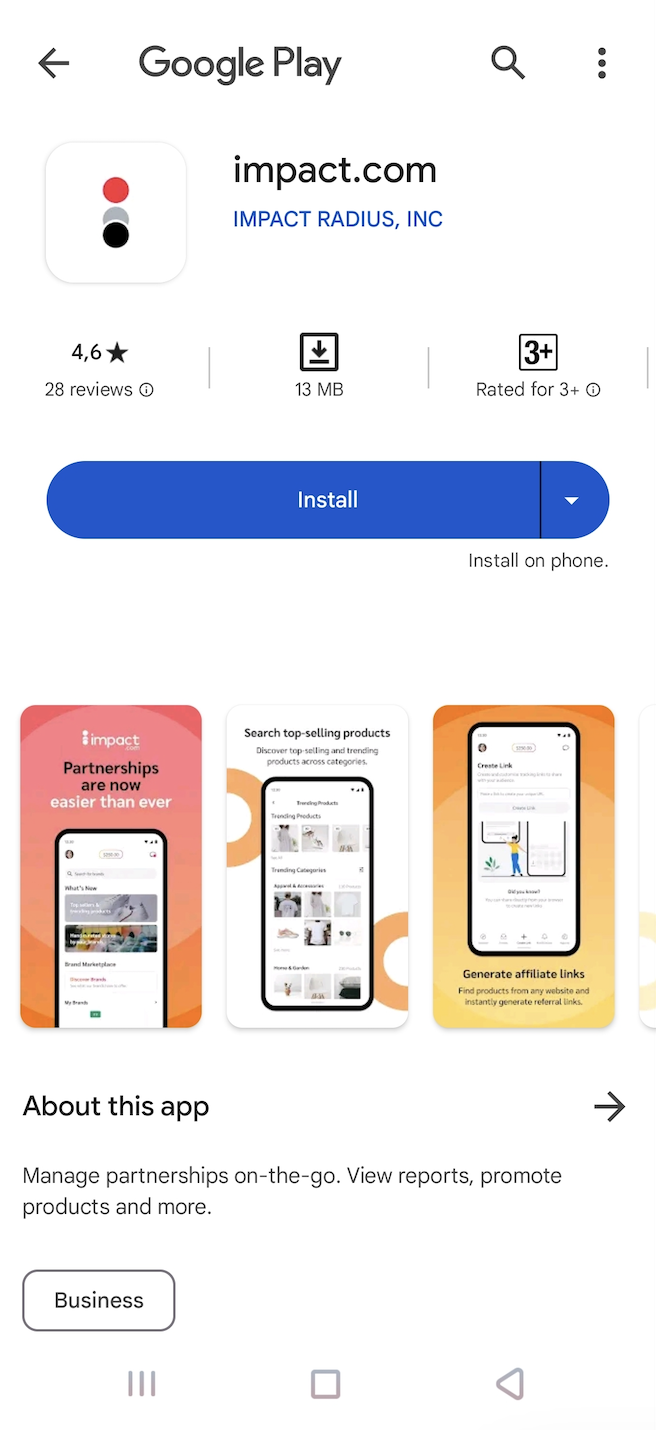
1. 在你的移动设备上，访问 ![](/files/34a6ee942a0b07677040e46d3517de7b6a8ca6b7) **\[Google Play 商店]** 并找到 impact.com 的移动应用。

   * 要找到该应用，请打开 [此链接](https://play.google.com/store/apps/details?id=com.impact.impactApp) 在你的移动设备上，或扫描下面的二维码：

   <div data-with-frame="true"><figure><img src="/files/91213769283047e96ef0043166731f0e60954842" alt=""><figcaption></figcaption></figure></div>
2. 选择 **安装**，安装完成后， **开放** 该应用。
3. 你将进入登录界面。输入 *用户名* 和 *密码* 你现有合作伙伴账户的
   * 或者，选择提供的单点登录选项之一。
4. 选择 **登录**.

   <div data-with-frame="true"><figure><img src="/files/31be8be09e83a5638f201b8bfe77a926d6c9d330" alt="" width="328"><figcaption></figcaption></figure></div>

</details>

#### 无法登录？

在以下情况下，你将无法登录或访问移动应用：

| 情况                 | 你可以尝试                                                                                   |
| ------------------ | --------------------------------------------------------------------------------------- |
| 你的账户无效             | 如果你使用新创建的合作伙伴账户登录移动应用，可能需要等待最多 72 小时，直到 impact.com 验证该账户。                               |
| 你的账户不是合作伙伴账户       | 目前 impact.com 的移动应用不支持品牌或代理账户——你需要使用 [桌面平台](https://app.impact.com/login.user) 而应使用该报告。 |
| impact.com 拒绝了你的申请 | 你加入 impact.com 的申请可能因多种原因被拒绝。你会收到一封来自 impact.com 的电子邮件，说明被拒绝的原因。                        |

{% hint style="info" %}
**注意**：如果你在登录或访问移动应用时仍有问题，请联系 impact.com 的 [支持团队](https://app.impact.com/support/portal.ihtml) 寻求帮助。
{% endhint %}


---

# Agent Instructions
This documentation is published with GitBook. GitBook is the documentation platform designed so that both humans and AI agents can read, navigate, and reason over technical content effectively. Learn more at gitbook.com.

## Querying This Documentation
If you need additional information that is not directly available in this page, you can query the documentation dynamically by asking a question.

Perform an HTTP GET request on the current page URL with the `ask` query parameter, and the optional `goal` query parameter:

```
GET https://help.impact.com/partner/zh/ni-xiang-liao-jie-shen-me/impactcom-mobile-app/getting-started-on-the-mobile-app/sign-in-to-impactcoms-mobile-app.md?ask=<question>&goal=<endgoal>
```

`ask` is the immediate question: it should be specific, self-contained, and written in natural language.
`goal` is optional and describes the broader end goal you are ultimately trying to accomplish on behalf of the user. GitBook uses it to tailor the answer towards what is most useful for that goal.

The response will contain a direct answer to the question and relevant excerpts and sources from the documentation.

Use this mechanism when the answer is not explicitly present in the current page, you need clarification or additional context, or you want to retrieve related documentation sections.