.png?alt=media&token=b1eb5fba-bc29-4699-b7b8-8787bf1a3540)
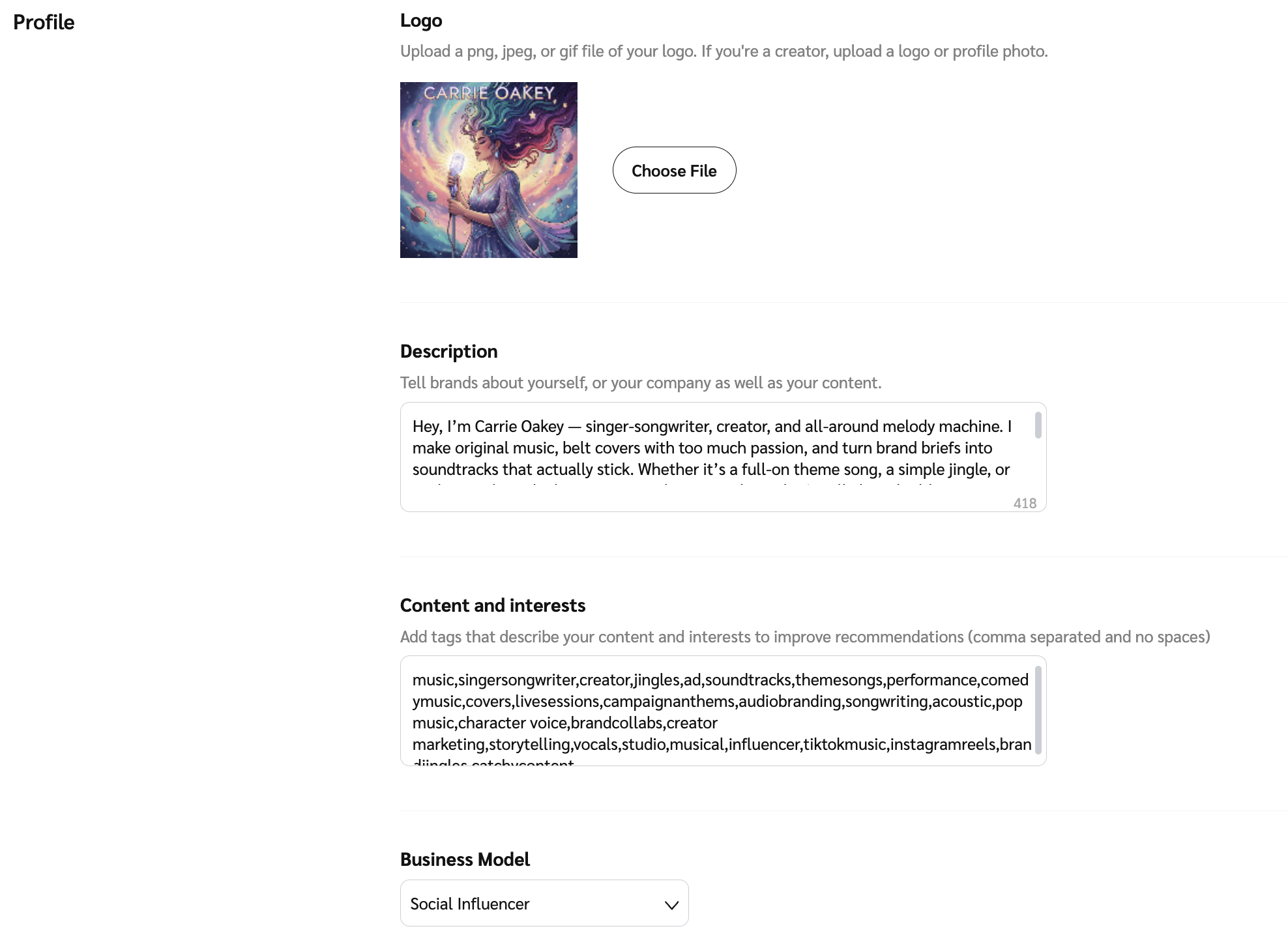
| Logo | Select a professional image or recognizable logo to appear in the marketplace and on your public profile. Recommended size is 150 x 150 pixels. |
| Description | The most crucial element of your profile is the Description. You have up to 1,000 characters to provide specifics about what you do, your area of expertise, your target audience, and why brands should collaborate with you. Make sure you share your unique value proposition — show the brand why you stand out! Partner example
Creator example
|
| Content and Interests | Enter keywords for your profile. When brands search for partners using these terms, your profile may appear. At least 1 term must be included. Tips:
|
| Business Model | Select the business model that most closely matches your own from the drop-down list. If you fall under several business models, you can include others in your description or as a keyword under your Content and Interests. |
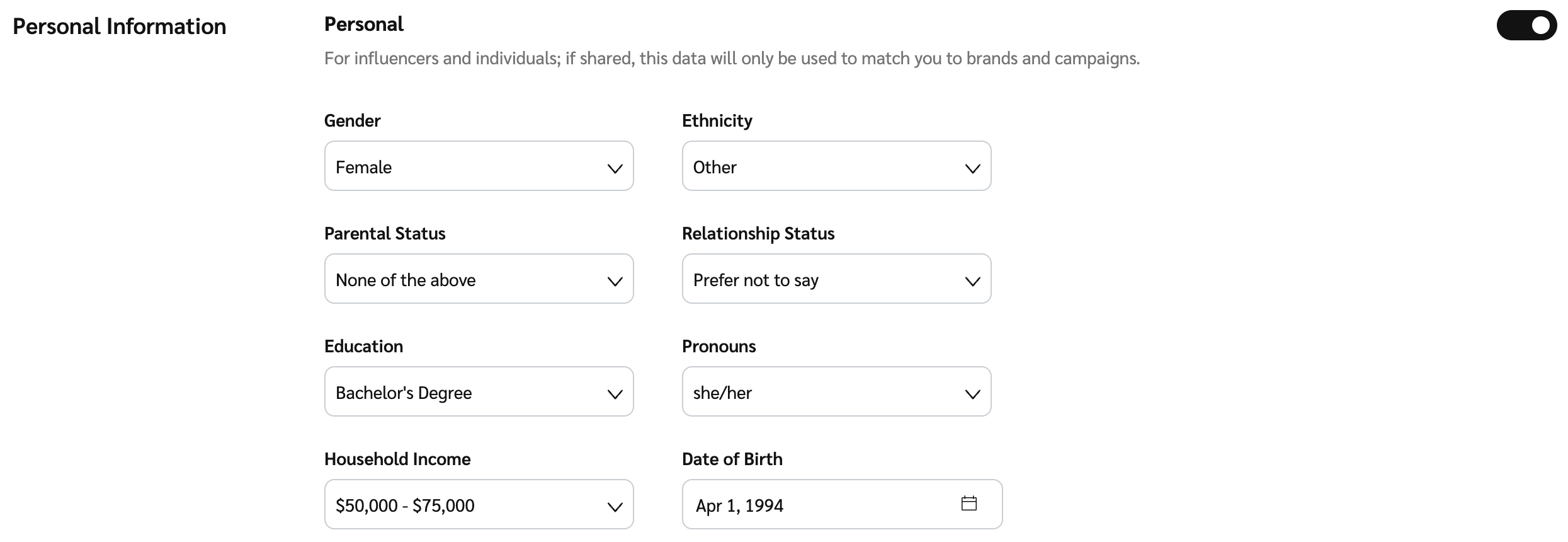
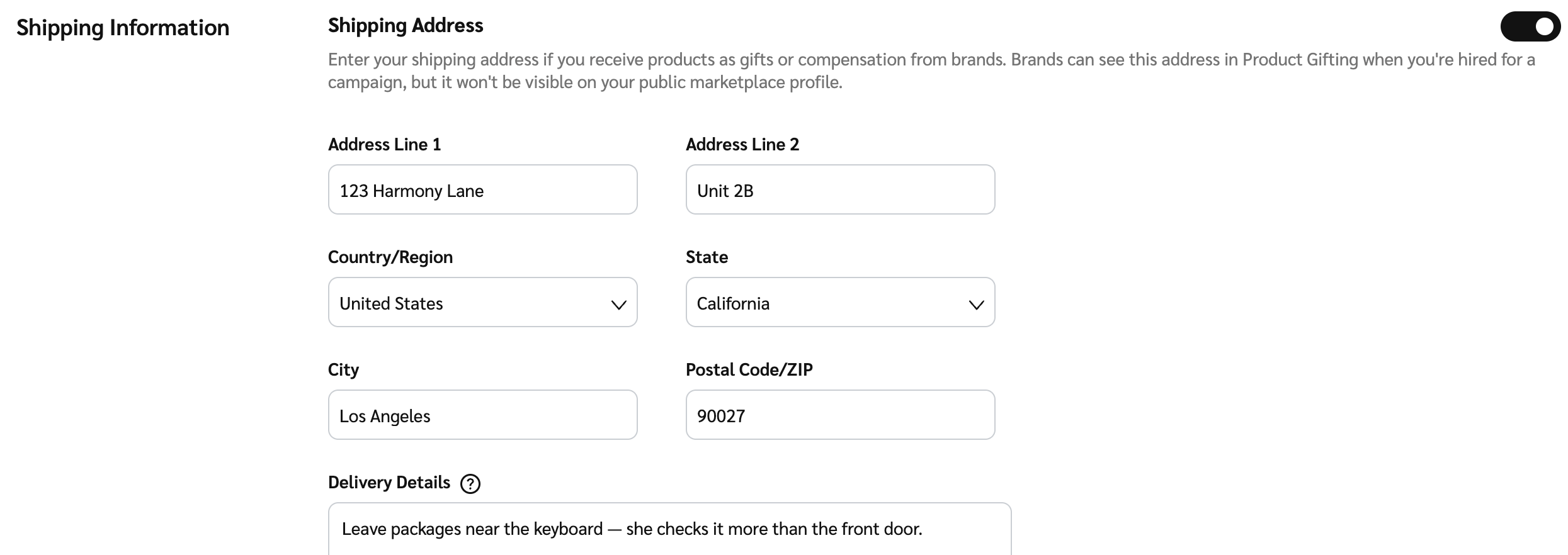
| Links | Select  [Toggle] to include additional links in your profile that you'd like to share with prospective brands. [Toggle] to include additional links in your profile that you'd like to share with prospective brands. |

| Marketplace Contacts | This is the contact information that will be shown to brands you are partnered with and brands that find you in the Marketplace. Use the dropdown to view and select |

| Media Kit PDF | Select Choose File to find and upload your media kit PDF documents. You can upload multiple files. Each file must be less than 200 MB. |

 [Checked box] next to the users you want to display as a point of contact on your public profile. You can choose multiples if needed. Options come from the