Integrate Your Affiliate Network Within impact.com

Take the PXA course

Upgrade: This feature is available for free with Trackonomics Essentials. To access it, along with a suite of additional tools to grow your program, activate Trackonomics Essentialsarrow-up-right today.

You can integrate your various tracking networks within impact.com with Trackonomics Essentials. Trackonomics Essentials allows you to manage your work across multiple affiliate networks without ever leaving the impact.com platform. You can view performance reports, gain insights, and create tracking links for all of your brands across all the networks you've joined.

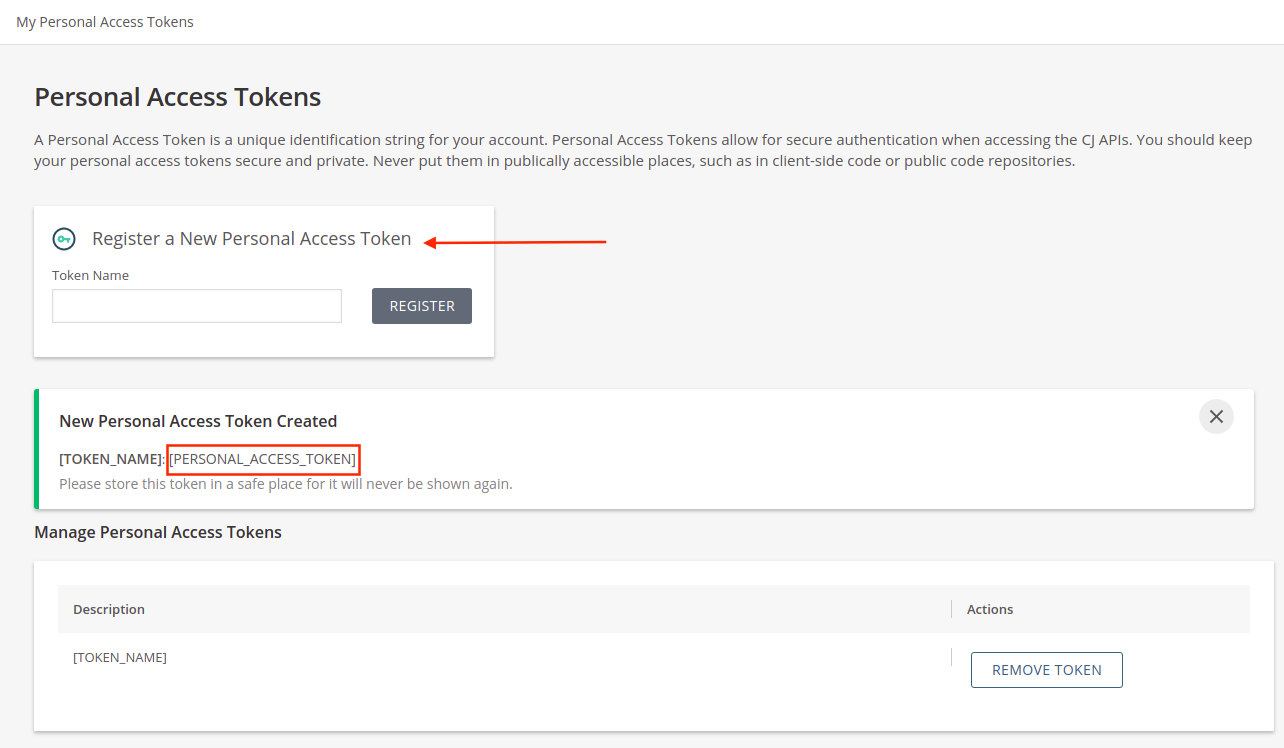
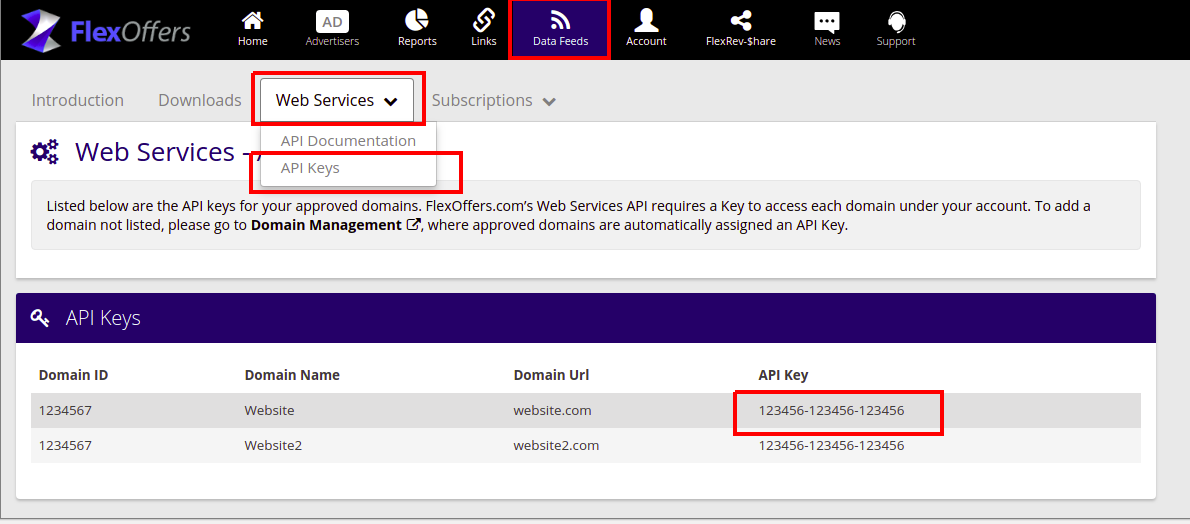
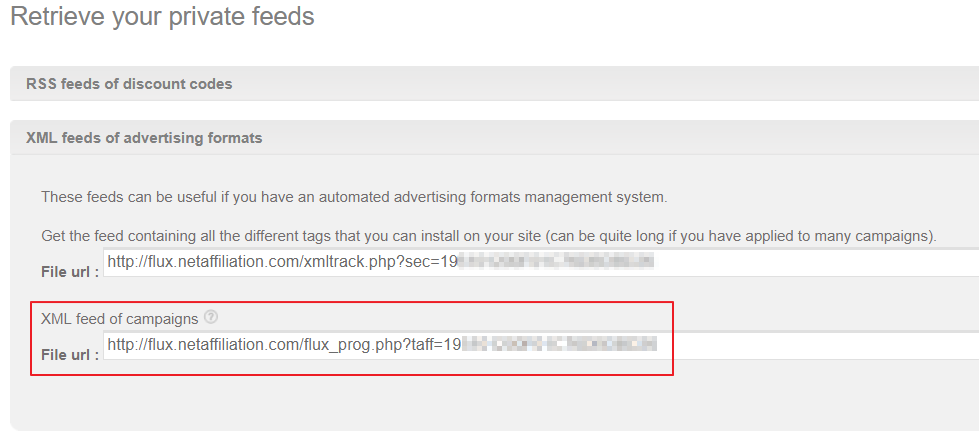
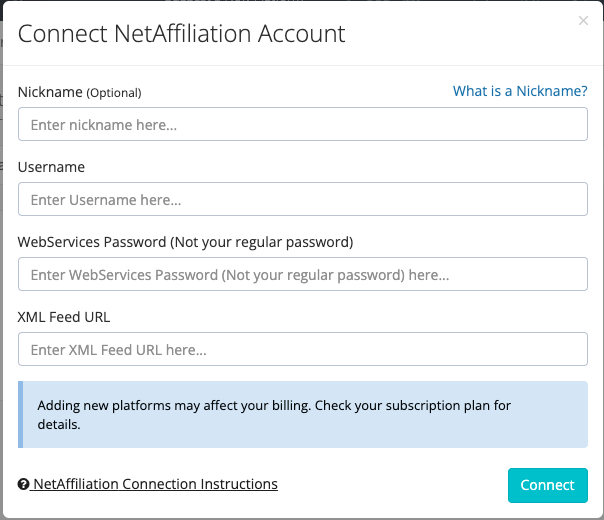
Integrate your network

This feature is only accessible to specific impact.com editions or add-ons. Contact usarrow-up-right to upgrade your account and get access!

  1. From the top navigation bar, select Trackonomics → Affiliate Networks.

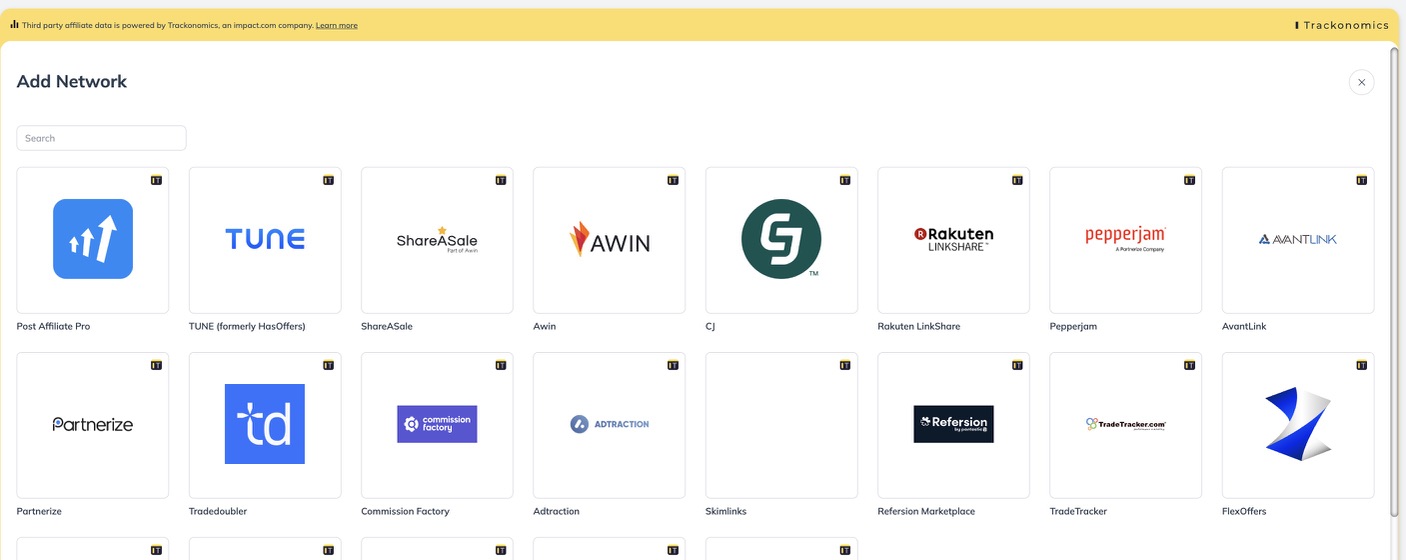
  2. Select Add Network in the top right corner.

  3. Select the relevant network that you'd like to integrate from the list.

    • Alternatively, use the search bar to find the relevant network quickly.

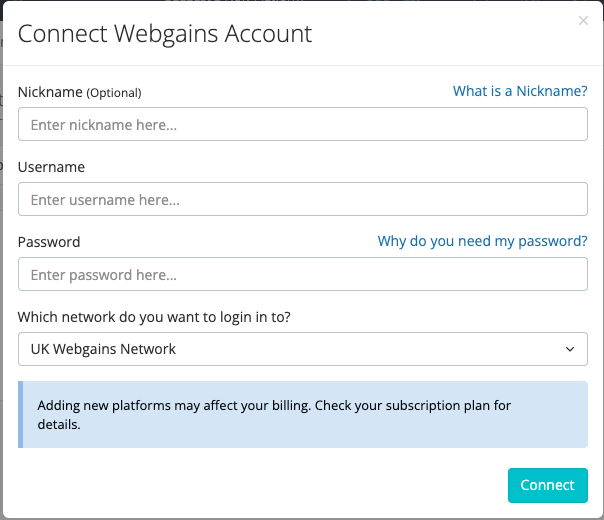
  4. Once you have chosen the relevant platform, refer to the tabs below for the relevant integration steps you'll need to set up your network:

  • Nickname: A nickname allows you to override the default platform name with something more meaningful to you. This can be useful if you have multiple accounts on the same platform.

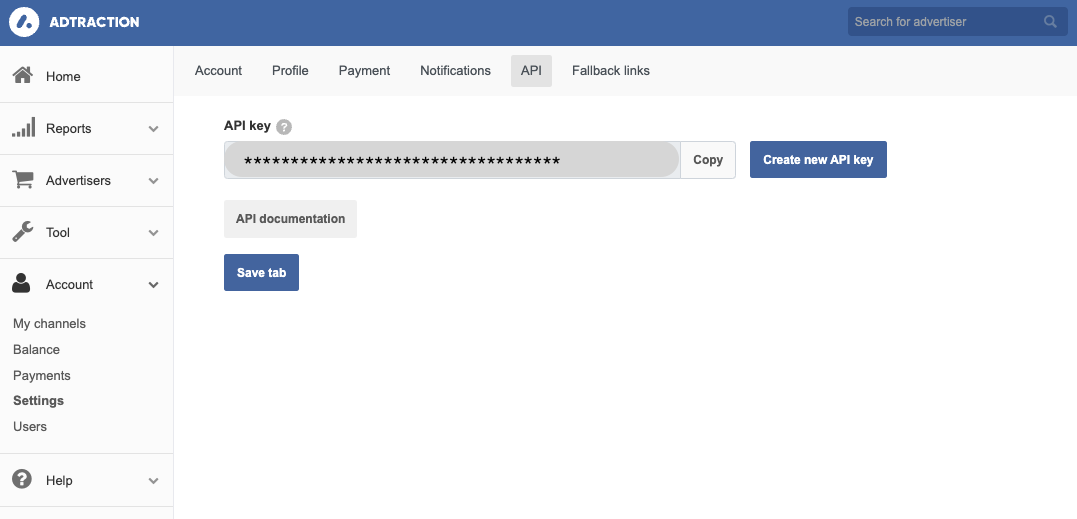
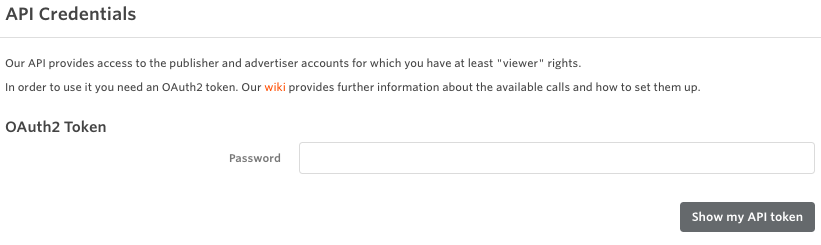
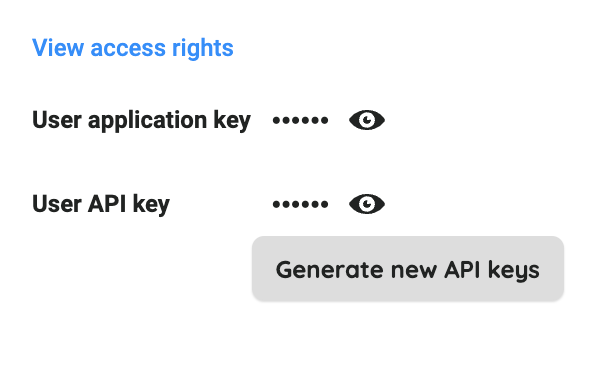
  • API Token: To find your API Token, log in to your AdTraction account, then follow the steps below:

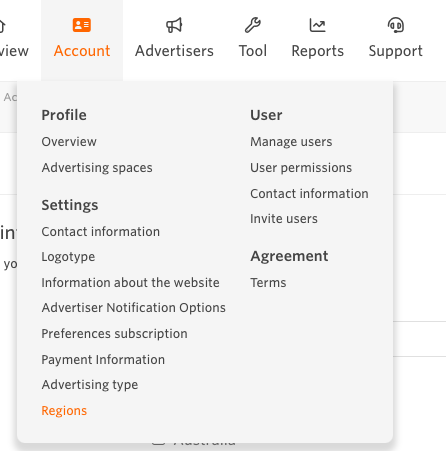
    1. In the left navigation menu, select Account → Settings → API.

    2. Here you will find your API Token. If you have not yet got an API key, select Create new API key to generate one.

    3. Select Save tab once done.

  • What currency does this platform report in?: An ISO 4217 currency codearrow-up-right is required (e.g., USD, EUR, GBP, etc.). Select the currency that is displayed in your AdTraction account.

Last updated

Was this helpful?