> For the complete documentation index, see [llms.txt](https://help.impact.com/llms.txt). Markdown versions of documentation pages are available by appending `.md` to page URLs; this page is available as [Markdown](https://help.impact.com/partner/what-would-you-like-to-learn-about/platform-features/dashboard/partner-dashboard-and-widgets-explained.md).
# Partner Dashboard & Widgets Explained
Take the PXA course
The [Home screen](https://app.impact.com/secure/mediapartner/home/pview.ihtml) dashboard provides an overview of information about your impact.com account. Dashboard widgets show a summary of your account performance and other metrics. Some widgets only appear if you're a partner / creator joined to the impact.com Marketplace and working with multiple brands.
Brand Application
After you complete your application checklist, a widget for the brand that invited you appears at the top of your dashboard. It is named after the brand — for example, *Acme application* — and shows one of 3 statuses.
| Status | What it means | What to do |
| ----------- | ----------------------------------------------------------------------------------------------------------------- | ---------------------------------------------------------------------------------------------------------------------------------------------------------------------------------- |
| *In Review* | The brand is reviewing the information from your checklist and deciding whether to accept you into their program. | Wait for the brand to respond. |
| *Approved* | The brand accepted your application. | Start promoting the brand — see [Start Earning with Your Partnered Brand](/partner/what-would-you-like-to-learn-about/getting-started/start-earning-with-your-partnered-brand.md). |
| *Declined* | The brand did not accept your application. | The widget shows the brand's reasons, if any were given. You can apply to other brands on impact.com. |
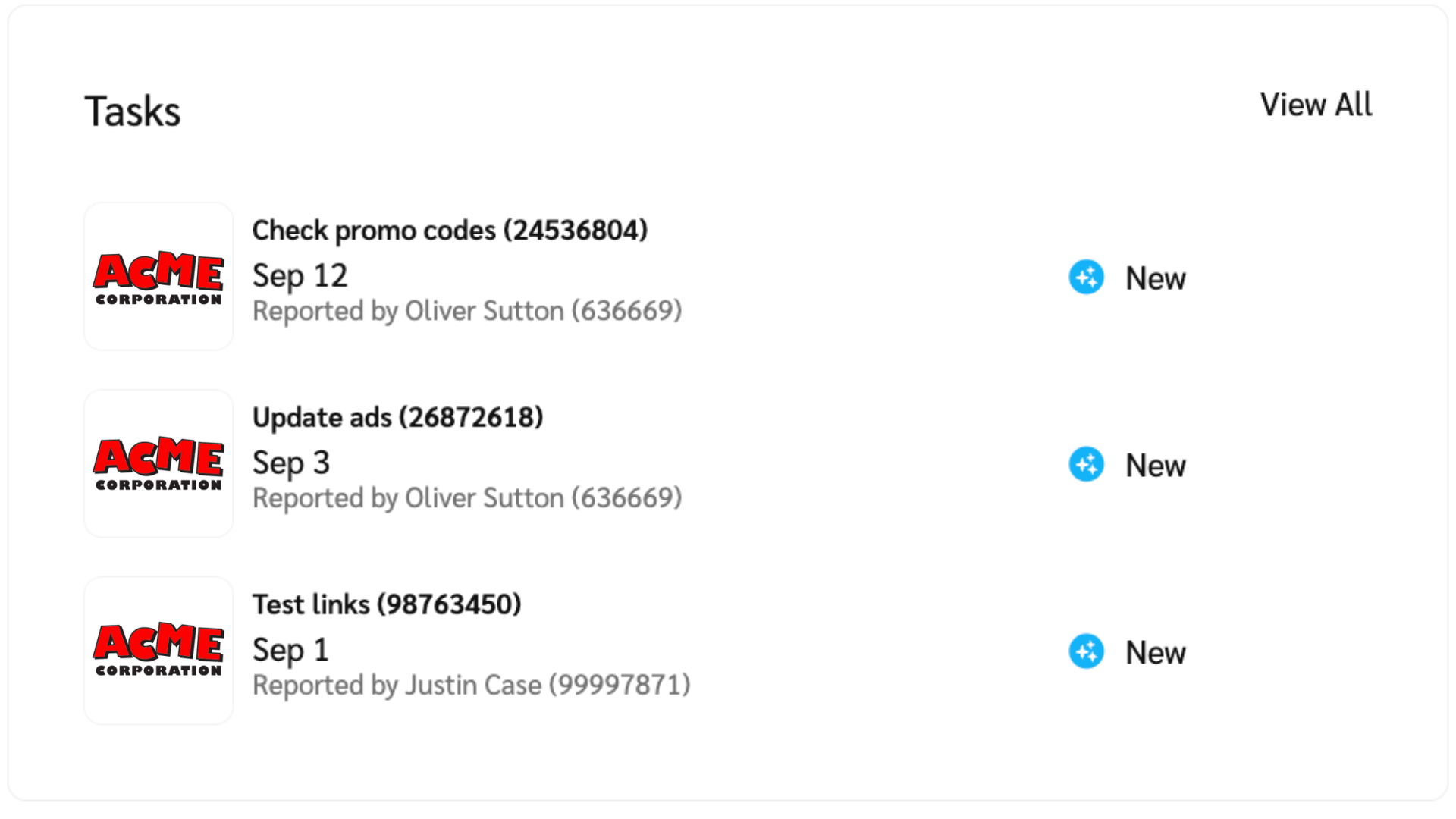
Tasks
Certain brands that you’re partnered with on impact.com may use the Task Management system to assign tasks to you. You can view the tasks assigned to you on your dashboard and the *Tasks* screen.
Learn more about [managing tasks](/partner/what-would-you-like-to-learn-about/account-management/account-settings/manage-tasks-as-a-partner.md) as a creator.
Create A Link
The *Create A Link* widget is a quick way to create new short links and vanity links to promote the brands you work with. These links have tracking capabilities built right in.
Learn more about [creating tracking links](/partner/what-would-you-like-to-learn-about/platform-features/tracking/tracking-links/create-and-manage-links/create-tracking-links.md).
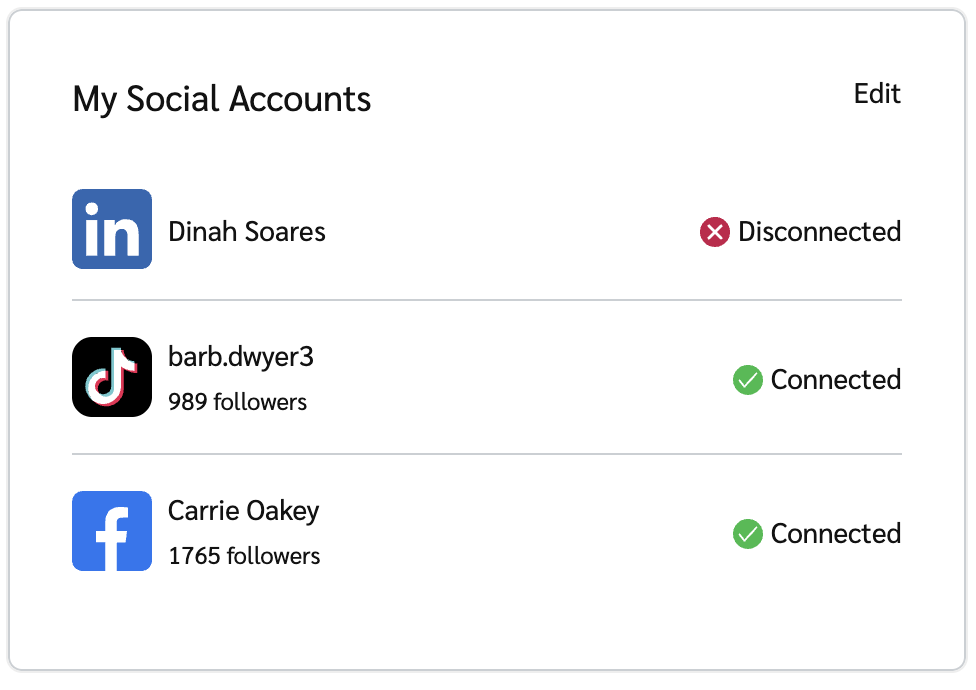
My Social Accounts
This widget displays the social accounts you have connected to impact.com.
Submit A Lead
B2B brands on impact.com may offer payouts for qualified leads — these can be submitted via the *Submit A Lead* widget. If you're a B2B partner working with one of these brands, this widget will appear on your impact.com dashboard.
Learn how to [submit a lead](/partner/what-would-you-like-to-learn-about/platform-features/dashboard/submit-leads-as-a-partner.md).
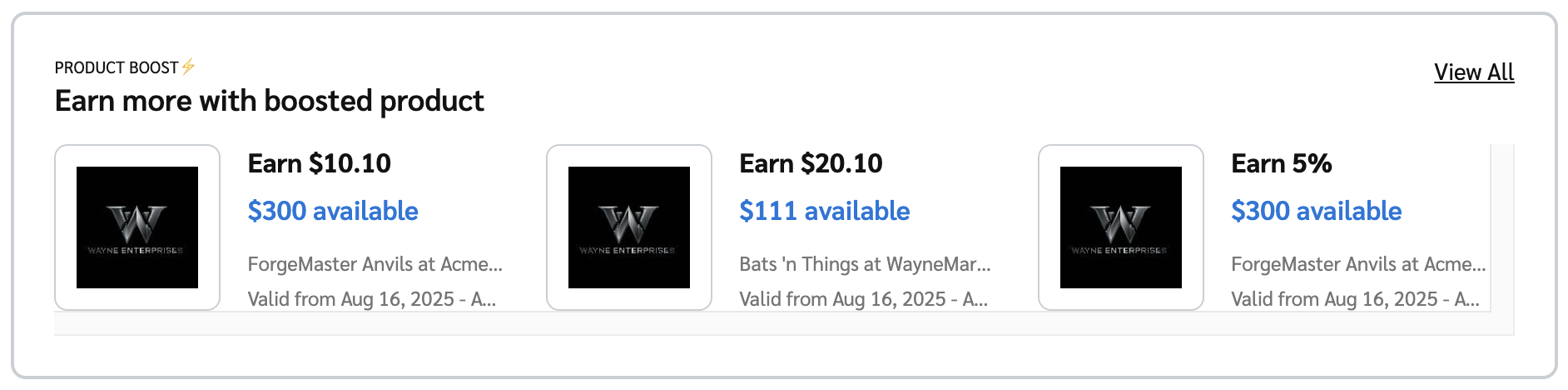
Boosted Product Widget
This widget highlights active [Product Boost campaigns](/partner/what-would-you-like-to-learn-about/platform-features/working-with-brands/contracts/boosted-product-payouts-explained.md) from your partnered brands that you can participate in. Promoting these products can earn you a higher-than-default commission. If you're not enrolled in any active product boost campaigns, this widget won't appear.
Select *View terms* for a detailed view of the products with boosted payouts, or *View All* to see all listed campaigns you're enrolled in.
Finance Widget
The *Finance Widget* offers a detailed view of your payouts, including your daily earnings, pending payouts owed to you, and your current balance.
Learn more about [the finance widget](/partner/what-would-you-like-to-learn-about/platform-features/dashboard/partner-finance-widget-explained.md).
impact.com Marketplace
If you are eligible to work with brands beyond the one that invited you, a banner headed *You qualify for the impact.com Marketplace* appears. Select **Start Exploring** to see the brands and programs open to you.
To Do List
The *To Do List* lists outstanding tasks, like reviewing campaign invitations, action inquiries, and more. You can action these by selecting the relevant button next to a listed task. Alternatively, select **Dismiss** to snooze a task and remove it from the list. The task will reappear after 7 days if you haven't completed it by then. Learn more about the [To Do List](/partner/what-would-you-like-to-learn-about/platform-features/dashboard/manage-your-to-do-list.md) widget.
Any application checklist you started but did not complete also appears here, with a **Return to Checklist** button.
Snapshot
The *Snapshot* widget displays your account's performance over a customizable date range. Users without the [Finance permission](/partner/what-would-you-like-to-learn-about/account-management/account-settings/user-management/partner-account-user-roles-and-permissions.md) won't see this widget.
* If your partner account has a creator and affiliate persona, select the toggle at the top of the widget to switch between metrics for each persona.
* Select the date range near the top of the widget to change the date range of the displayed data.
* Select one of the metrics (E.g., *Clicks, Actions, Payouts, etc.)* to see that metric data appear in the graph.
* Hover over any point in the graph to see the total recorded amount of the selected metric for that day.
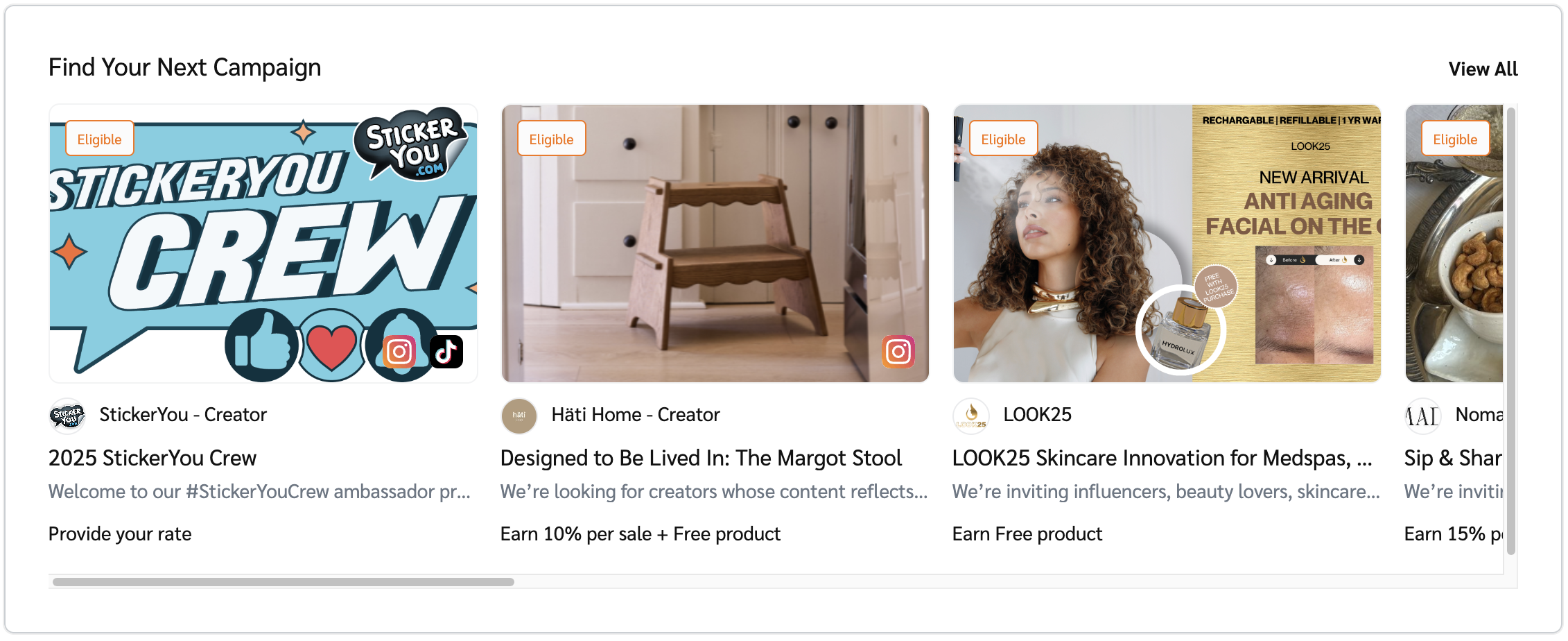
Find Your Next Campaign
This is a useful list of campaigns that you are eligible to join. Select **View All** to see a complete list.
Brands To Work With Instantly
{% hint style="success" %}
**Note:** You'll only see this widget if you have joined the Brands Marketplace.
{% endhint %}
This widget shows brands that you can join right away. These are brands that you are pre-approved to work with, and your application will be approved instantly. The widget will show you the name, logo, and payout associated with the brand. You can select **View All** to see all the brands you are pre-approved to join.
---
# Agent Instructions
This documentation is published with GitBook. GitBook is the documentation platform designed so that both humans and AI agents can read, navigate, and reason over technical content effectively. Learn more at gitbook.com.
## Querying This Documentation
If you need additional information that is not directly available in this page, you can query the documentation by asking a question.
Perform an HTTP GET request on the following URL with the `ask` and `goal` query parameters:
```
GET https://help.impact.com/partner/what-would-you-like-to-learn-about/platform-features/dashboard/partner-dashboard-and-widgets-explained.md?ask=&goal=
```
`ask` is the immediate question: it should be specific, self-contained, and written in natural language.
`goal` is what the user is ultimately trying to achieve, the reason they need the answer. Sharing it helps GitBook give you a better, more relevant answer. A goal is most helpful when it describes the outcome the user wants rather than restating the question. For example, with `ask=how do I create an API token`, a goal like `automate deployments from our CI pipeline` lets GitBook tailor the answer to that use case.
The response will contain a direct answer to the question and relevant excerpts and sources from the documentation.
Use this mechanism when the answer is not explicitly present in the current page, you need clarification or additional context, or you want to retrieve related documentation sections.