Sign In to impact.com's Mobile App

Take the PXA course

iOS Download Android Download

impact.com's mobile app lets you do certain lightweight tasks on the move, like managing program invites, generating product links, viewing reports, and joining Creator campaigns. The mobile app only supports partners at this point — brand and agency users can only access their accounts via the desktop platformarrow-up-right.

Prerequisites

To download and access the mobile app, the following criteria should be met:

  • You must have an existing impact.com partner account.

  • Your mobile device must have either Android 7.0 and later or iOS 16.0 and later.

Install the app and sign in

circle-exclamation
chevron-rightiOS installationhashtag
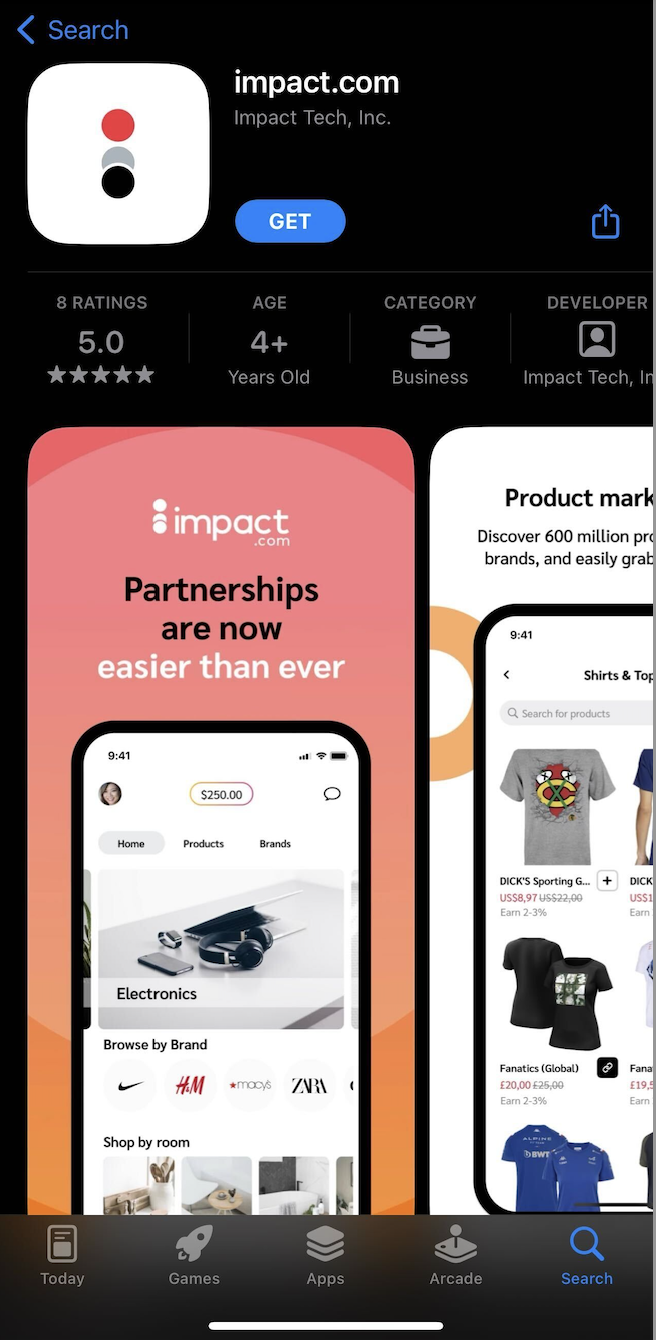
  1. On your mobile device, visit the [App Store] and locate impact.com's mobile app.

  2. Select Get, and once the installation is complete, Open the app.

  3. You'll be taken to a login screen. Enter the Username and Password of your existing partner account.

    • Alternatively, choose one of the Single Sign-On options provided.

  4. Select Sign In.

chevron-rightAndroid installationhashtag
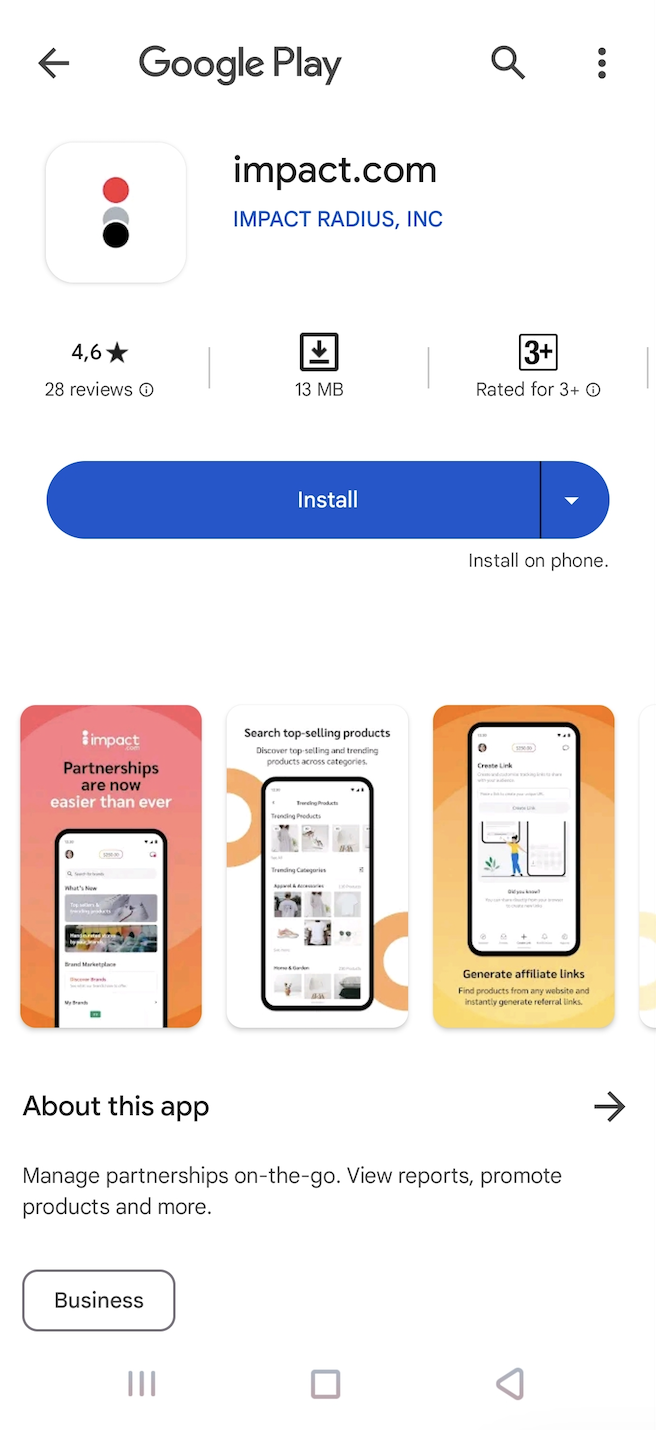
  1. On your mobile device, visit [Google Play Store] and locate impact.com's mobile app.

  2. Select Install, and once the installation is complete, Open the app.

  3. You'll be taken to a login screen. Enter the Username and Password of your existing partner account.

    • Alternatively, choose one of the Single Sign-On options provided.

  4. Select Sign In.

Struggling to sign in?

In the following instances, you'll be unable to sign in or access the mobile app:

Instance
What you can try

Your account isn't valid

If you sign in to the mobile app with a newly-created partner account, you may have to wait up to 72 hours for impact.com to verify the account.

Your account isn't a partner account

impact.com's mobile app doesn't support brand or agency accounts at this time — you'll have to use the desktop platformarrow-up-right instead.

impact.com declined your application

Your application to join impact.com may have been declined for a number of reasons. You'll receive an email from impact.com stating a reason for the declination.

circle-info

Note: If you're still having trouble signing in or accessing the mobile app, contact impact.com's support teamarrow-up-right for assistance.

Last updated

Was this helpful?