# モバイルアプリのブランド別パフォーマンスレポート

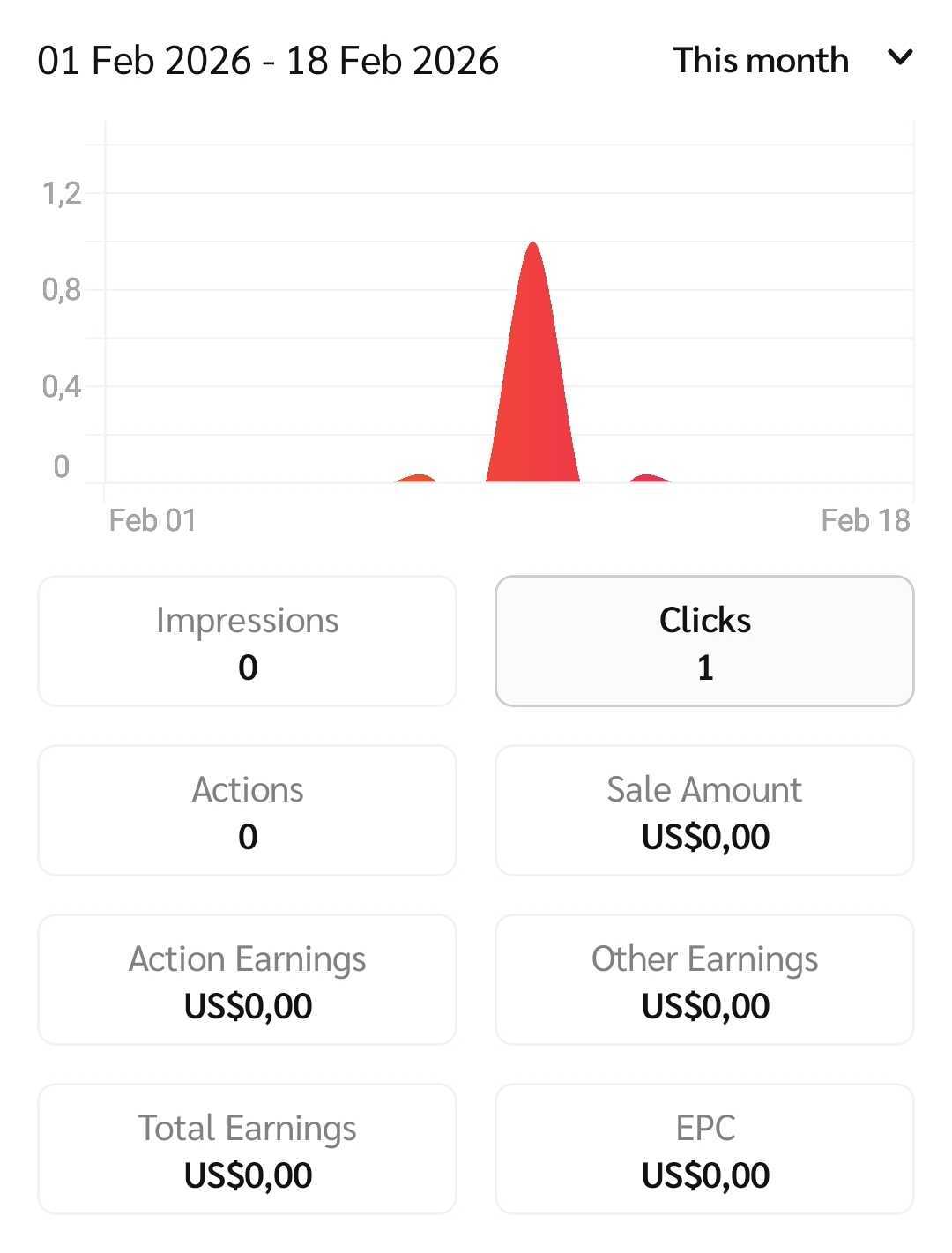
その *ブランド別のパフォーマンス* レポートは、指定した期間において獲得したリードやコンバージョンをブランド別に一覧表示します。

#### レポートの管理

1. 画面下部のナビゲーションバーから、 ![](/files/1b8e60443d2666a3fd9c56d4eab3488a47b66d38) **\[レポート]**.
2. の *レポート* セクションで、次を選択します **ブランド別のパフォーマンス**.
3. 画面右上で、日付を選択します ![](/files/ec804ca824c424f12480426da7994ca9658f0dfa) **\[ドロップダウンメニュー]** でパフォーマンスデータの期間を選択します。
4. 画面右上で、次を選択します ![](/files/7f1589fe749a3b20b5978d42854c0a96d4179895) **\[フィルター]** で表示したいデータをフィルターします。
   * を表示する *フィルター参照表* の詳細は下記をご覧ください。

<details>

<summary>フィルター参照表</summary>

| フィルター | 説明                                                                         |
| ----- | -------------------------------------------------------------------------- |
| 並べ替え  | ブランド名をアルファベット順に並べ替えます。                                                     |
| ブランド  | 関連する ![](/files/fe07796f62bb97c2c6bc1bcad980158140535bf6) **\[チェックボックス]**. |

</details>

5. を選択して特定のブランドに関連するパフォーマンスデータをフィルタリングします。 ![](/files/e0b4d9735e688ac89435924007992b3a2eca275c) **パフォーマンスデータの内訳を表示します。ブランドの横にある** \[展開]
   * を選択して、パフォーマンス指標の詳細ビューを開きます。 *を参照してください* レポートデータ列の参照

<details>

<summary>を参照してください</summary>

| より詳細な情報については、                                       | 説明                                           |
| --------------------------------------------------- | -------------------------------------------- |
| 指標                                                  | インプレッション                                     |
| 広告コンテンツがユーザーに表示された回数です。                             | クリック                                         |
| ユーザーが広告のリンクをたどってブランドのランディングページにアクセスした回数です。          | アクション                                        |
| ブランドによって取り消されていないあなたが獲得したコンバージョンの回数です。              | 販売金額                                         |
| ブランドのためにあなたが生み出した総収益額です。                            | アクション報酬                                      |
| あなたが獲得したアクションに対して支払われたコミッションの金額です。                  | その他の報酬                                       |
| パフォーマンスボーナス、補填手数料、掲載料の支払いなどから発生した、あなたに支払われる追加の費用です。 | 総報酬 *あなたの* *アクションコスト、*&#x30AF;リックコスト *、および*. |
| その他コスト                                              | EPC（クリックあたりの平均コミッション獲得額）です。                  |

</details>

<div data-with-frame="true"><figure><img src="/files/2509d6e6b5d5964567803296417c8af5c553b50d" alt="" width="375"><figcaption></figcaption></figure></div>


---

# Agent Instructions: Querying This Documentation

If you need additional information that is not directly available in this page, you can query the documentation dynamically by asking a question.

Perform an HTTP GET request on the current page URL with the `ask` query parameter:

```
GET https://help.impact.com/partner/ja/nitsuitebitaidesuka/impactcom-mobile-app/mobile-app-reporting/performance-by-brand-report-for-the-mobile-app.md?ask=<question>
```

The question should be specific, self-contained, and written in natural language.
The response will contain a direct answer to the question and relevant excerpts and sources from the documentation.

Use this mechanism when the answer is not explicitly present in the current page, you need clarification or additional context, or you want to retrieve related documentation sections.