# impact.com のモバイルアプリにサインインする

<a href="https://pxa.impact.com/student/activity/1747713?sid=0c0e3e5c-54c9-4435-9bee-ebcdccb7f292&#x26;sid_i=0?utm_source=app.impact.com&#x26;utm_medium=owned-platform&#x26;utm_content=&#x26;utm_campaign=help-center" class="button primary">PXAコースを受講する</a>

<a href="https://apps.apple.com/za/app/impact-com/id1629721141" class="button secondary" data-icon="apple">iOSダウンロード</a> <a href="https://play.google.com/store/apps/details?id=com.impact.impactApp&#x26;hl=en_ZA" class="button secondary" data-icon="android">Androidダウンロード</a>

{% hint style="info" %}
現時点ではモバイルアプリはパートナーのみをサポートしています — ブランドおよびエージェンシーのユーザーはアカウントにアクセスするには [デスクトッププラットフォーム](https://app.impact.com/login.user).
{% endhint %}

impact.comのモバイルアプリでは、プログラム招待の管理、商品リンクの生成、レポートの表示、クリエイターキャンペーンへの参加など、外出先で軽度の作業を行うことができます。&#x20;

#### 前提条件

モバイルアプリをダウンロードしてアクセスするには、以下の条件を満たしている必要があります：

* 既存のimpact.comパートナーアカウントを保有していること。
* モバイルデバイスがAndroid 7.0以降またはiOS 16.0以降であること。

#### アプリをインストールしてサインインする

{% hint style="warning" %}
**重要**： impact.comのモバイルアプリはモバイル端末またはタブレットにのみインストールできます。
{% endhint %}

<details>

<summary>iOSのインストール</summary>

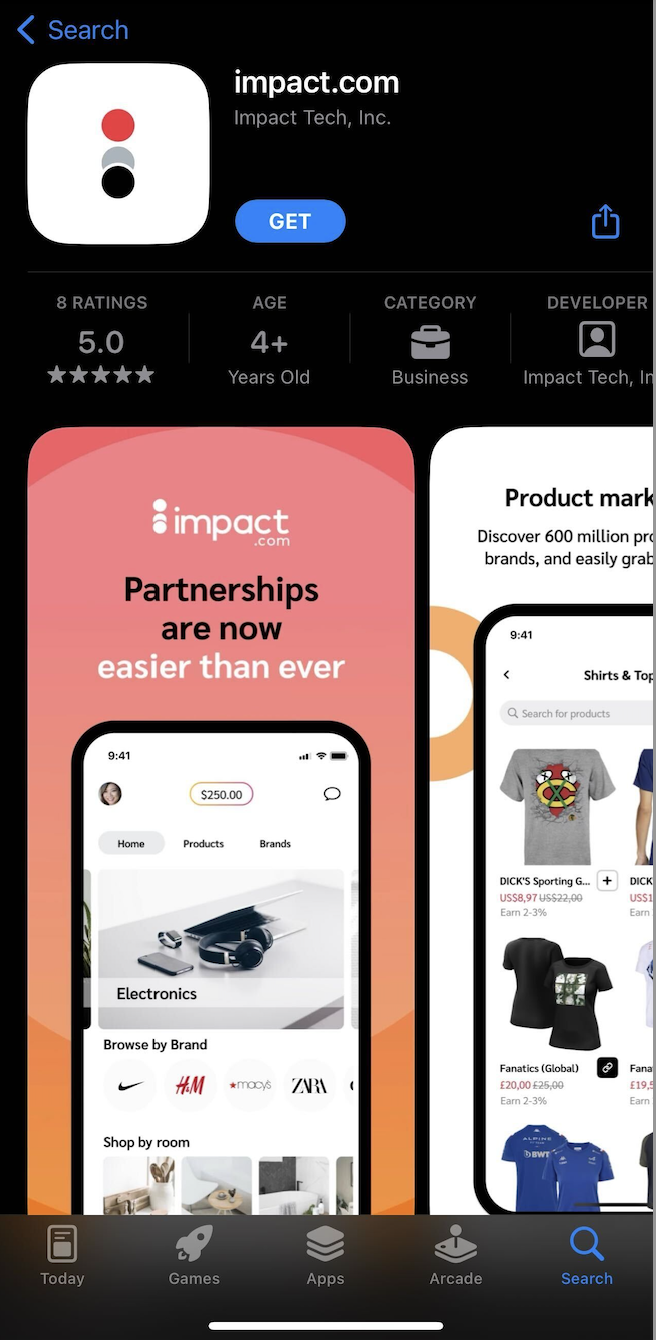
1. モバイルデバイスで、次のページにアクセスしてください： ![](https://3659882269-files.gitbook.io/~/files/v0/b/gitbook-x-prod.appspot.com/o/spaces%2Fb2rE79d9UhOKZQLgzSqx%2Fuploads%2Fgit-blob-5a507f0adaa80546c4d724055c45c93429ab19e0%2Fbfb8f38c2fa5d398a3c9bccd0ab66feb5ea6cbdde3771eeb1c870d0642df9108.svg?alt=media) **\[App Store]** そしてimpact.comのモバイルアプリを見つけてください。

   * アプリを見つけるには、次を開いてください [このリンク](https://apps.apple.com/za/app/impact-com/id1629721141) をモバイルデバイスで開くか、以下のQRコードをスキャンしてください：

   <div data-with-frame="true"><figure><img src="https://3659882269-files.gitbook.io/~/files/v0/b/gitbook-x-prod.appspot.com/o/spaces%2Fb2rE79d9UhOKZQLgzSqx%2Fuploads%2Fgit-blob-64bf8c727d0a126c87bfb7a203af7da62d57e7aa%2F28a0f791a9546e855dec71d5fa39d0496f314172afa2c29e8a0e857a63183c6b.jpg?alt=media" alt=""><figcaption></figcaption></figure></div>
2. を選択 **入手**し、インストールが完了したら、 **を開く** アプリを。
3. ログイン画面に移動します。次を入力してください： *ユーザー名* と *パスワード* 既存のパートナーアカウントの。
   * または、用意されているシングルサインオンオプションのいずれかを選択してください。
4. を選択 **サインイン**.

   <div data-with-frame="true"><figure><img src="https://3659882269-files.gitbook.io/~/files/v0/b/gitbook-x-prod.appspot.com/o/spaces%2Fb2rE79d9UhOKZQLgzSqx%2Fuploads%2Fgit-blob-bd000520ff51b05a331d9095ce48e07ea0814d61%2F40f6e1d23cba0a447bba52e51b538faf598fc2975ffa2a8984cf25c7495c445b.png?alt=media" alt="" width="328"><figcaption></figcaption></figure></div>

</details>

<details>

<summary>Androidのインストール</summary>

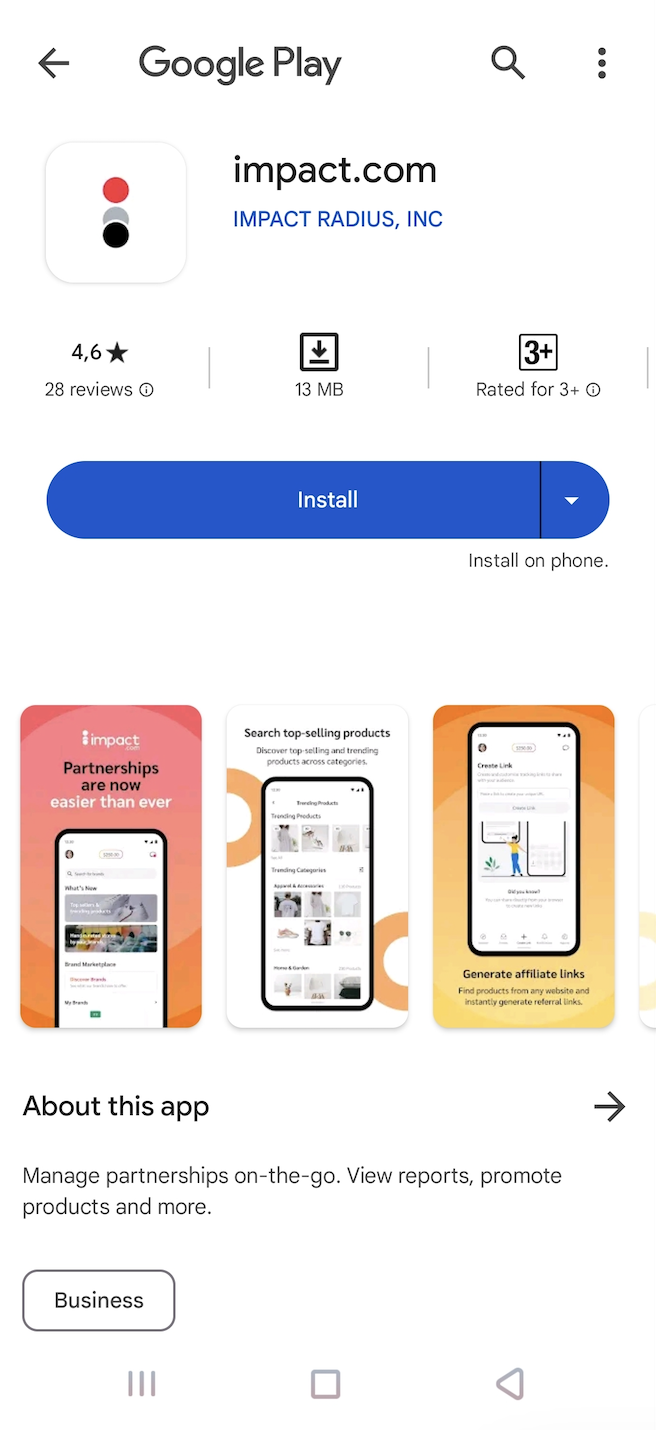
1. モバイルデバイスで、次にアクセスしてください： ![](https://3659882269-files.gitbook.io/~/files/v0/b/gitbook-x-prod.appspot.com/o/spaces%2Fb2rE79d9UhOKZQLgzSqx%2Fuploads%2Fgit-blob-7eaba6d7a77b5d840af38162f6e6136e49f67c8e%2F774061b70cc8653f7d71a80bbc161091293eecac7061e61001ccb14d79e16d1a.svg?alt=media) **\[Google Play Store]** そしてimpact.comのモバイルアプリを見つけてください。

   * アプリを見つけるには、次を開いてください [このリンク](https://play.google.com/store/apps/details?id=com.impact.impactApp) をモバイルデバイスで開くか、以下のQRコードをスキャンしてください：

   <div data-with-frame="true"><figure><img src="https://3659882269-files.gitbook.io/~/files/v0/b/gitbook-x-prod.appspot.com/o/spaces%2Fb2rE79d9UhOKZQLgzSqx%2Fuploads%2Fgit-blob-b01fa18b5d8938dddda326c45a99854fadfe67b1%2F31b3980e82005af5d2230b204439c1945001fd3ce2c7e1c3d07e113544809468.jpg?alt=media" alt=""><figcaption></figcaption></figure></div>
2. を選択 **インストール**し、インストールが完了したら、 **を開く** アプリを。
3. ログイン画面に移動します。次を入力してください： *ユーザー名* と *パスワード* 既存のパートナーアカウントの。
   * または、用意されているシングルサインオンオプションのいずれかを選択してください。
4. を選択 **サインイン**.

   <div data-with-frame="true"><figure><img src="https://3659882269-files.gitbook.io/~/files/v0/b/gitbook-x-prod.appspot.com/o/spaces%2Fb2rE79d9UhOKZQLgzSqx%2Fuploads%2Fgit-blob-28c4ac2ce51aa3c0e3a19e9e2bd7ea1318713ff6%2F16124c17232be4dc12cc9ff47fa1e3bffa085ad84531c887e5c6d45862a99bb3.png?alt=media" alt="" width="328"><figcaption></figcaption></figure></div>

</details>

#### サインインで困っていますか？

次の場合、モバイルアプリにサインインしたりアクセスしたりすることができません：

| 事例                       | 試してみること                                                                                                                        |
| ------------------------ | ------------------------------------------------------------------------------------------------------------------------------ |
| アカウントが有効ではない             | 新しく作成したパートナーアカウントでモバイルアプリにサインインする場合、impact.comがアカウントを確認するまで最大72時間ほど待つ必要があることがあります。                                             |
| アカウントがパートナーアカウントではない     | impact.comのモバイルアプリは現時点でブランドやエージェンシーのアカウントをサポートしていません — 代わりに、 [デスクトッププラットフォーム](https://app.impact.com/login.user) を使用する必要があります。 |
| impact.comがあなたの申請を却下しました | impact.comへの参加申請はさまざまな理由で却下されることがあります。却下の理由はimpact.comからのメールで通知されます。                                                           |

{% hint style="info" %}
**注**： モバイルアプリへのサインインやアクセスにまだ問題がある場合は、impact.comの [サポートチーム](https://app.impact.com/support/portal.ihtml) にお問い合わせください。
{% endhint %}


---

# Agent Instructions: Querying This Documentation

If you need additional information that is not directly available in this page, you can query the documentation dynamically by asking a question.

Perform an HTTP GET request on the current page URL with the `ask` query parameter:

```
GET https://help.impact.com/partner/ja/nitsuitebitaidesuka/impactcom-mobile-app/getting-started-on-the-mobile-app/sign-in-to-impactcoms-mobile-app.md?ask=<question>
```

The question should be specific, self-contained, and written in natural language.
The response will contain a direct answer to the question and relevant excerpts and sources from the documentation.

Use this mechanism when the answer is not explicitly present in the current page, you need clarification or additional context, or you want to retrieve related documentation sections.