> For the complete documentation index, see [llms.txt](https://help.impact.com/llms.txt). Markdown versions of documentation pages are available by appending `.md` to page URLs; this page is available as [Markdown](https://help.impact.com/partner/de/was-mochten-sie-lernen/impactcom-mobile-app/mobile-app-reporting/performance-by-brand-report-for-the-mobile-app.md).
# Leistung nach Markenbericht für die Mobile App
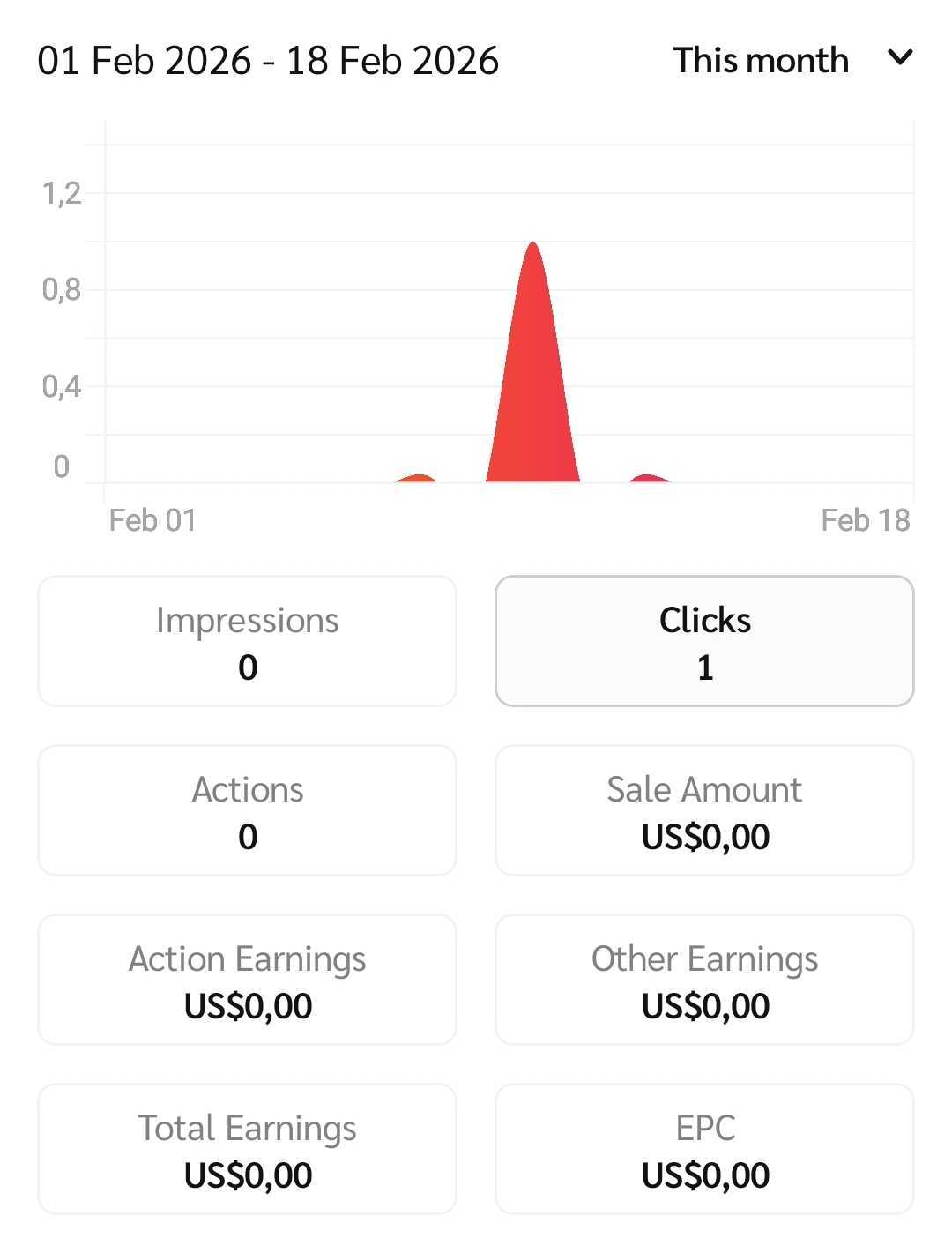
Die *Leistung nach Marke* Der Bericht listet Marken auf, für die Sie über einen bestimmten Zeitraum Leads und Conversions generiert haben.
## Bericht verwalten
1. Wählen Sie in der Navigationsleiste am unteren Rand Ihres Bildschirms  **\[Berichte]**.
2. Im *Berichte* Abschnitt, wählen Sie **Leistung nach Marke**.
3. Wählen Sie oben rechts das Datum  **\[Dropdown-Menü]** um den Datumsbereich Ihrer Leistungsdaten auszuwählen.
4. Wählen Sie oben rechts  **\[Filter]** um die Daten zu filtern, die Sie anzeigen möchten.
* Weitere Informationen finden Sie unter *Filter-Referenztabelle* unten.
Filter-Referenztabelle
| Filter | Beschreibung |
| -------------- | --------------------------------------------------------------------------------------------------------------------------------------------------------------------------------------------------------------------------------------------------------------------------------------------------------------------------------------------------------------------------------- |
| Sortieren nach | Sortieren Sie Markennamen alphabetisch. |
| Marken | Filtern Sie die Leistungsdaten bestimmter Marken, indem Sie die entsprechenden  **\[Kontrollkästchen]**. |
5. Zeigen Sie eine Aufschlüsselung Ihrer Leistungsdaten an. Wählen Sie  **\[Erweitern]** neben einer Marke aus, um eine detaillierte Ansicht der Leistungskennzahlen zu öffnen.
* Weitere Informationen finden Sie unter *Referenz der Berichtsdaten-Spalten* unten.
Referenz der Berichtsdaten-Spalten
| Kennzahl | Beschreibung |
| ---------------------- | ----------------------------------------------------------------------------------------------------------------------------- |
| Impressionen | Die Anzahl der Male, die Ihr Anzeigeninhalt einem Nutzer angezeigt wurde. |
| Klicks | Die Anzahl der Male, die Nutzer Ihren Anzeigenlinks zur Landingpage der Marke gefolgt sind. |
| Aktionen | Die Anzahl der von Ihnen erzielten Conversions, ohne solche, die von der Marke storniert wurden. |
| Verkaufsbetrag | Der Gesamtwert des Umsatzes, den Sie für die Marke generiert haben. |
| Vergütung für Aktionen | Der Ihnen für die von Ihnen generierten Aktionen gezahlte Provisionsbetrag. |
| Sonstige Einnahmen | Alle zusätzlichen an Sie gezahlten Beträge, die sich aus Leistungsboni, Ausgleichsgebühren oder Platzierungsgebühren ergeben. |
| Gesamteinnahmen | Die Summe Ihrer *Aktionskosten,* *Klickkosten*, und *Sonstige Kosten*. |
| Ertrag pro Klick | Der durchschnittliche Provisionsbetrag, der pro generiertem Klick verdient wird. |
---
# Agent Instructions
This documentation is published with GitBook. GitBook is the documentation platform designed so that both humans and AI agents can read, navigate, and reason over technical content effectively. Learn more at gitbook.com.
## Querying This Documentation
If you need additional information that is not directly available in this page, you can query the documentation by asking a question.
Perform an HTTP GET request on the following URL with the `ask` and `goal` query parameters:
```
GET https://help.impact.com/partner/de/was-mochten-sie-lernen/impactcom-mobile-app/mobile-app-reporting/performance-by-brand-report-for-the-mobile-app.md?ask=&goal=
```
`ask` is the immediate question: it should be specific, self-contained, and written in natural language.
`goal` is what the user is ultimately trying to achieve, the reason they need the answer. Sharing it helps GitBook give you a better, more relevant answer. A goal is most helpful when it describes the outcome the user wants rather than restating the question. For example, with `ask=how do I create an API token`, a goal like `automate deployments from our CI pipeline` lets GitBook tailor the answer to that use case.
The response will contain a direct answer to the question and relevant excerpts and sources from the documentation.
Use this mechanism when the answer is not explicitly present in the current page, you need clarification or additional context, or you want to retrieve related documentation sections.