> For the complete documentation index, see [llms.txt](https://help.impact.com/llms.txt). Markdown versions of documentation pages are available by appending `.md` to page URLs; this page is available as [Markdown](https://help.impact.com/partner/de/was-mochten-sie-lernen/impactcom-mobile-app/getting-started-on-the-mobile-app/sign-in-to-impactcoms-mobile-app.md).

# In der Mobile App von impact.com anmelden

<a href="https://pxa.impact.com/student/activity/1747713?sid=0c0e3e5c-54c9-4435-9bee-ebcdccb7f292&#x26;sid_i=0?utm_source=app.impact.com&#x26;utm_medium=owned-platform&#x26;utm_content=&#x26;utm_campaign=help-center" class="button primary">Belegen Sie den PXA-Kurs</a>

<a href="https://apps.apple.com/za/app/impact-com/id1629721141" class="button secondary" data-icon="apple">iOS-Download</a> <a href="https://play.google.com/store/apps/details?id=com.impact.impactApp&#x26;hl=en_ZA" class="button secondary" data-icon="android">Android-Download</a>

{% hint style="info" %}
Die mobile App unterstützt derzeit nur Partner — Marken- und Agenturnutzer können nur über die [Desktop-Plattform auf ihre Konten zugreifen](https://app.impact.com/login.user).
{% endhint %}

Mit der mobilen App von impact.com können Sie unterwegs bestimmte einfache Aufgaben erledigen, z. B. Programmeinladungen verwalten, Produktlinks generieren, Berichte anzeigen und Creator-Kampagnen beitreten.

## Voraussetzungen

Um die mobile App herunterzuladen und darauf zuzugreifen, sollten die folgenden Kriterien erfüllt sein:

* Sie müssen über ein bestehendes Partnerkonto bei impact.com verfügen.
* Auf Ihrem Mobilgerät muss entweder Android 7.0 oder höher oder iOS 16.0 oder höher installiert sein.

## App installieren und anmelden

{% hint style="warning" %}
**Wichtig**: Die mobile App von impact.com kann nur auf Mobilgeräten oder Tablets installiert werden.
{% endhint %}

<details>

<summary>iOS-Installation</summary>

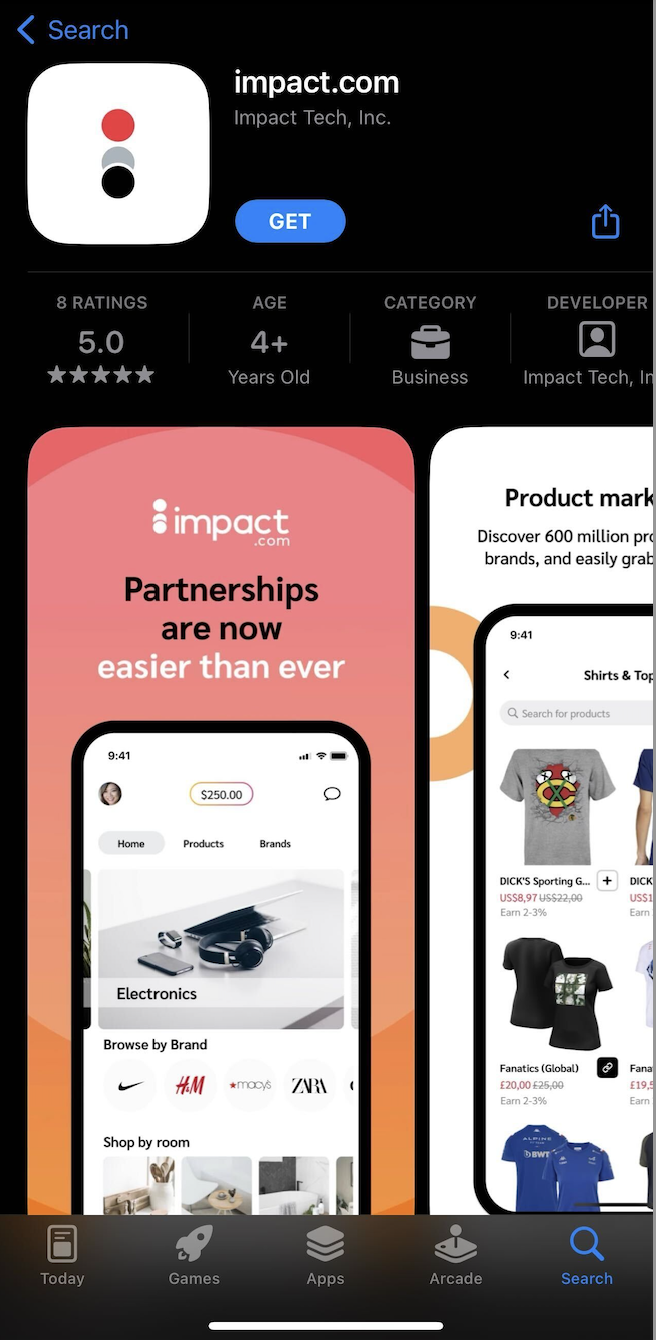
1. Besuchen Sie auf Ihrem Mobilgerät den ![](https://238227448-files.gitbook.io/~/files/v0/b/gitbook-x-prod.appspot.com/o/spaces%2Fb2rE79d9UhOKZQLgzSqx%2Fuploads%2Fgit-blob-5a507f0adaa80546c4d724055c45c93429ab19e0%2Fbfb8f38c2fa5d398a3c9bccd0ab66feb5ea6cbdde3771eeb1c870d0642df9108.svg?alt=media) **\[App Store]** und suchen Sie nach der mobilen App von impact.com.

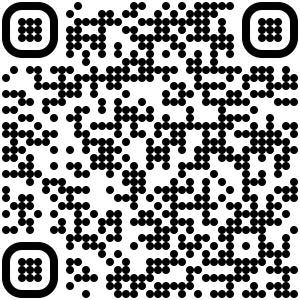
   * Um die App zu finden, öffnen Sie [diesen Link](https://apps.apple.com/za/app/impact-com/id1629721141) auf Ihrem Mobilgerät oder scannen Sie den unten stehenden QR-Code:

   <div data-with-frame="true"><figure><img src="https://238227448-files.gitbook.io/~/files/v0/b/gitbook-x-prod.appspot.com/o/spaces%2Fb2rE79d9UhOKZQLgzSqx%2Fuploads%2Fgit-blob-64bf8c727d0a126c87bfb7a203af7da62d57e7aa%2F28a0f791a9546e855dec71d5fa39d0496f314172afa2c29e8a0e857a63183c6b.jpg?alt=media" alt=""><figcaption></figcaption></figure></div>
2. Wählen Sie **Laden**, und sobald die Installation abgeschlossen ist, **Öffnen Sie** die App.
3. Sie gelangen zu einem Anmeldebildschirm. Geben Sie den *Benutzernamen* und *das Passwort* Ihres bestehenden Partnerkontos ein.
   * Alternativ können Sie eine der angebotenen Single-Sign-On-Optionen auswählen.
4. Wählen Sie **Anmelden**.

   <div data-with-frame="true"><figure><img src="https://238227448-files.gitbook.io/~/files/v0/b/gitbook-x-prod.appspot.com/o/spaces%2Fb2rE79d9UhOKZQLgzSqx%2Fuploads%2Fgit-blob-bd000520ff51b05a331d9095ce48e07ea0814d61%2F40f6e1d23cba0a447bba52e51b538faf598fc2975ffa2a8984cf25c7495c445b.png?alt=media" alt="" width="328"><figcaption></figcaption></figure></div>

</details>

<details>

<summary>Android-Installation</summary>

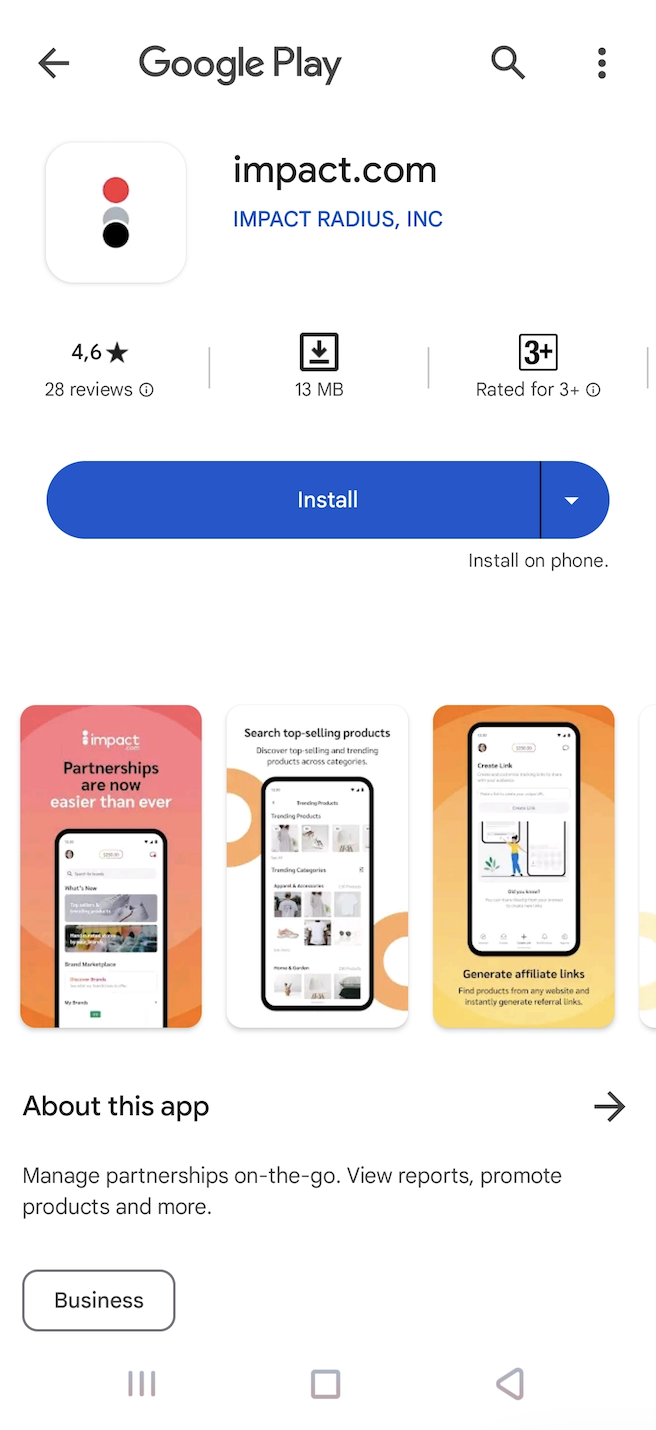
1. Besuchen Sie auf Ihrem Mobilgerät ![](https://238227448-files.gitbook.io/~/files/v0/b/gitbook-x-prod.appspot.com/o/spaces%2Fb2rE79d9UhOKZQLgzSqx%2Fuploads%2Fgit-blob-7eaba6d7a77b5d840af38162f6e6136e49f67c8e%2F774061b70cc8653f7d71a80bbc161091293eecac7061e61001ccb14d79e16d1a.svg?alt=media) **\[Google Play Store]** und suchen Sie nach der mobilen App von impact.com.

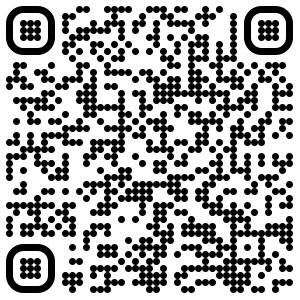
   * Um die App zu finden, öffnen Sie [diesen Link](https://play.google.com/store/apps/details?id=com.impact.impactApp) auf Ihrem Mobilgerät oder scannen Sie den unten stehenden QR-Code:

   <div data-with-frame="true"><figure><img src="https://238227448-files.gitbook.io/~/files/v0/b/gitbook-x-prod.appspot.com/o/spaces%2Fb2rE79d9UhOKZQLgzSqx%2Fuploads%2Fgit-blob-b01fa18b5d8938dddda326c45a99854fadfe67b1%2F31b3980e82005af5d2230b204439c1945001fd3ce2c7e1c3d07e113544809468.jpg?alt=media" alt=""><figcaption></figcaption></figure></div>
2. Wählen Sie **Installieren**, und sobald die Installation abgeschlossen ist, **Öffnen Sie** die App.
3. Sie gelangen zu einem Anmeldebildschirm. Geben Sie den *Benutzernamen* und *das Passwort* Ihres bestehenden Partnerkontos ein.
   * Alternativ können Sie eine der angebotenen Single-Sign-On-Optionen auswählen.
4. Wählen Sie **Anmelden**.

   <div data-with-frame="true"><figure><img src="https://238227448-files.gitbook.io/~/files/v0/b/gitbook-x-prod.appspot.com/o/spaces%2Fb2rE79d9UhOKZQLgzSqx%2Fuploads%2Fgit-blob-28c4ac2ce51aa3c0e3a19e9e2bd7ea1318713ff6%2F16124c17232be4dc12cc9ff47fa1e3bffa085ad84531c887e5c6d45862a99bb3.png?alt=media" alt="" width="328"><figcaption></figcaption></figure></div>

</details>

## Probleme bei der Anmeldung?

In den folgenden Fällen können Sie sich nicht anmelden oder auf die mobile App zugreifen:

<table><thead><tr><th width="230.38671875">Fall</th><th>Was Sie versuchen können</th></tr></thead><tbody><tr><td>Ihr Konto ist nicht gültig</td><td>Wenn Sie sich mit einem neu erstellten Partnerkonto bei der mobilen App anmelden, müssen Sie möglicherweise bis zu 72 Stunden warten, bis impact.com das Konto verifiziert hat.</td></tr><tr><td>Ihr Konto ist kein Partnerkonto</td><td>Die mobile App von impact.com unterstützt derzeit keine Marken- oder Agenturkonten — Sie müssen stattdessen die <a href="https://app.impact.com/login.user">Desktop-Plattform auf ihre Konten zugreifen</a> verwenden.</td></tr><tr><td>impact.com hat Ihren Antrag abgelehnt</td><td>Ihr Antrag auf Teilnahme bei impact.com kann aus verschiedenen Gründen abgelehnt worden sein. Sie erhalten eine E-Mail von impact.com, in der der Grund für die Ablehnung angegeben wird.</td></tr></tbody></table>

{% hint style="success" %}
**Hinweis**: Wenn Sie weiterhin Probleme bei der Anmeldung oder beim Zugriff auf die mobile App haben, wenden Sie sich an das [Support-Team](https://app.impact.com/support/portal.ihtml) von impact.com für Unterstützung.
{% endhint %}


---

# Agent Instructions
This documentation is published with GitBook. GitBook is the documentation platform designed so that both humans and AI agents can read, navigate, and reason over technical content effectively. Learn more at gitbook.com.

## Querying This Documentation
If you need additional information that is not directly available in this page, you can query the documentation by asking a question.

Perform an HTTP GET request on the following URL with the `ask` and `goal` query parameters:

```
GET https://help.impact.com/partner/de/was-mochten-sie-lernen/impactcom-mobile-app/getting-started-on-the-mobile-app/sign-in-to-impactcoms-mobile-app.md?ask=<question>&goal=<user_goal>
```

`ask` is the immediate question: it should be specific, self-contained, and written in natural language.
`goal` is what the user is ultimately trying to achieve, the reason they need the answer. Sharing it helps GitBook give you a better, more relevant answer. A goal is most helpful when it describes the outcome the user wants rather than restating the question. For example, with `ask=how do I create an API token`, a goal like `automate deployments from our CI pipeline` lets GitBook tailor the answer to that use case.

The response will contain a direct answer to the question and relevant excerpts and sources from the documentation.

Use this mechanism when the answer is not explicitly present in the current page, you need clarification or additional context, or you want to retrieve related documentation sections.