> For the complete documentation index, see [llms.txt](https://help.impact.com/llms.txt). Markdown versions of documentation pages are available by appending `.md` to page URLs; this page is available as [Markdown](https://help.impact.com/brand/what-would-you-like-to-learn-about/advocate-program/manage-advocate-participant-experiences/introduction-to-participant-experiences.md).
# Introduction to Participant Experiences
Take the PXA course
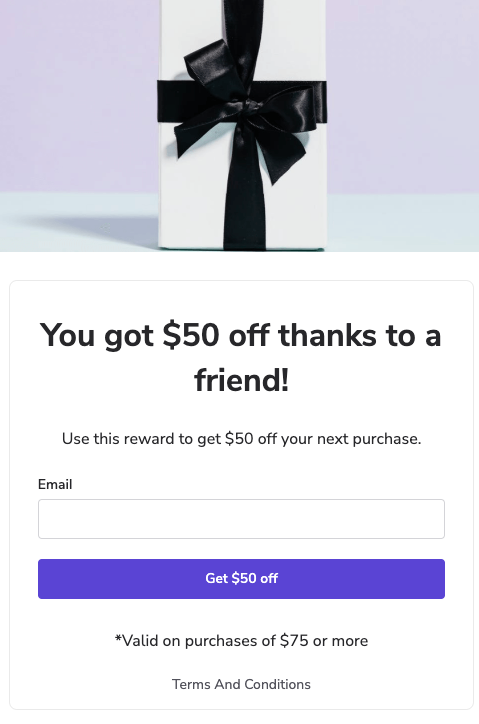
Your customer advocates and the friends they refer can interact with your Advocate program through the program’s widget or microsite and its transactional emails. These elements comprise your advocates’ and their friends' *participant experience* of your referral program.
You can adjust the branding, content, messaging, and components for each touchpoint from the *Content* page in your impact.com account. This guide provides an overview of each touchpoint, with links to more detailed documentation.
#### Widgets
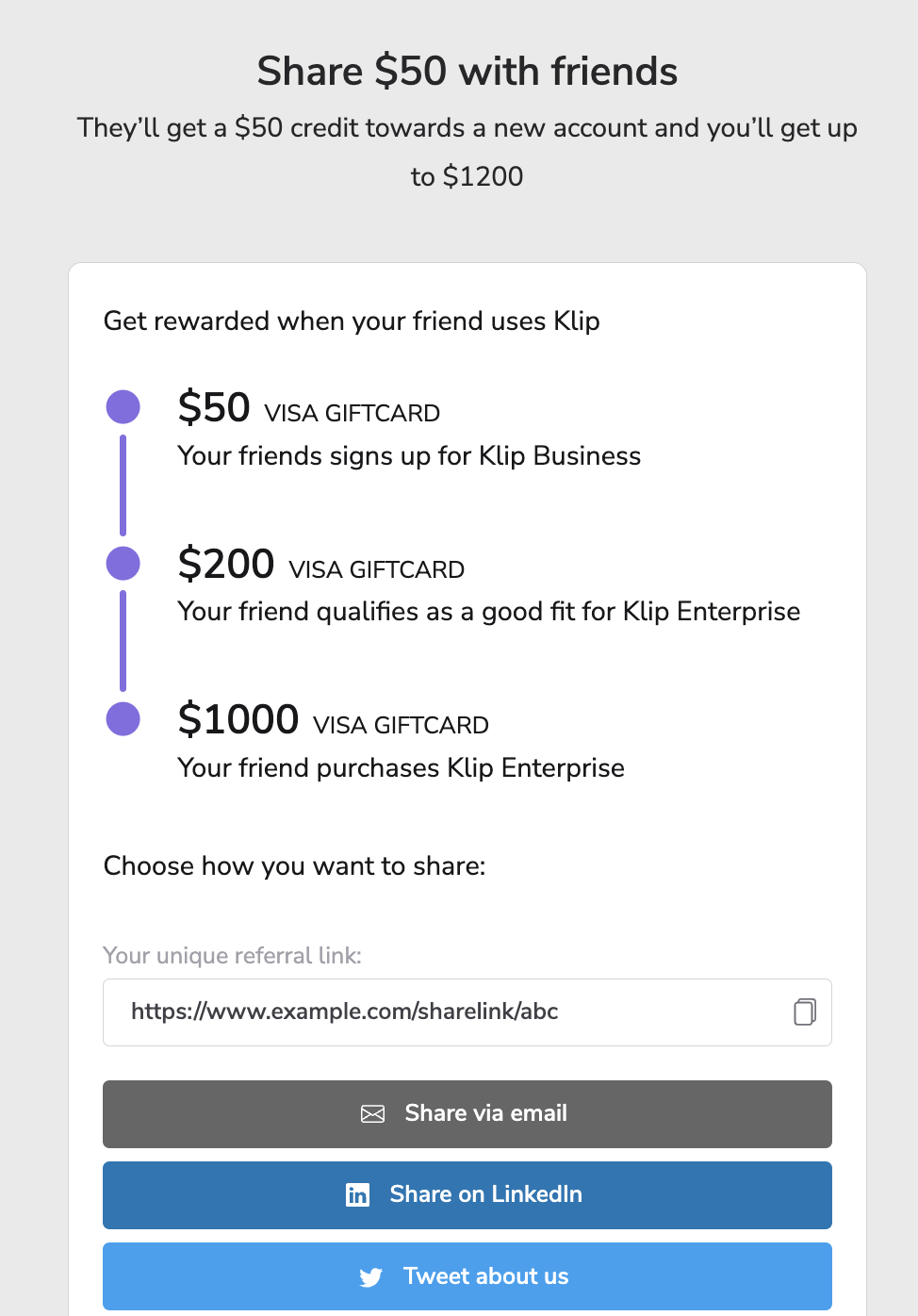
Widgets are a branded touchpoint for your referral program, reinforcing your referral program’s messaging and giving your customer advocates a starting place to make referrals. They provide a space for your advocates to get and share their referral links and codes, view their referral history, and access features like the [Reward Exchange](/brand/what-would-you-like-to-learn-about/advocate-program/advocate-rewards/reward-exchange-explained.md).
Widgets can be either *verified access*, which provide an in-app experience, or *instant access*, which are commonly used as part of the check-out process for referral programs in the e-commerce space.
Your referral program may feature multiple widgets or a combination of widgets and a microsite.
Learn more about [widget experiences](/brand/what-would-you-like-to-learn-about/advocate-program/manage-advocate-participant-experiences.md).
#### Transactional emails
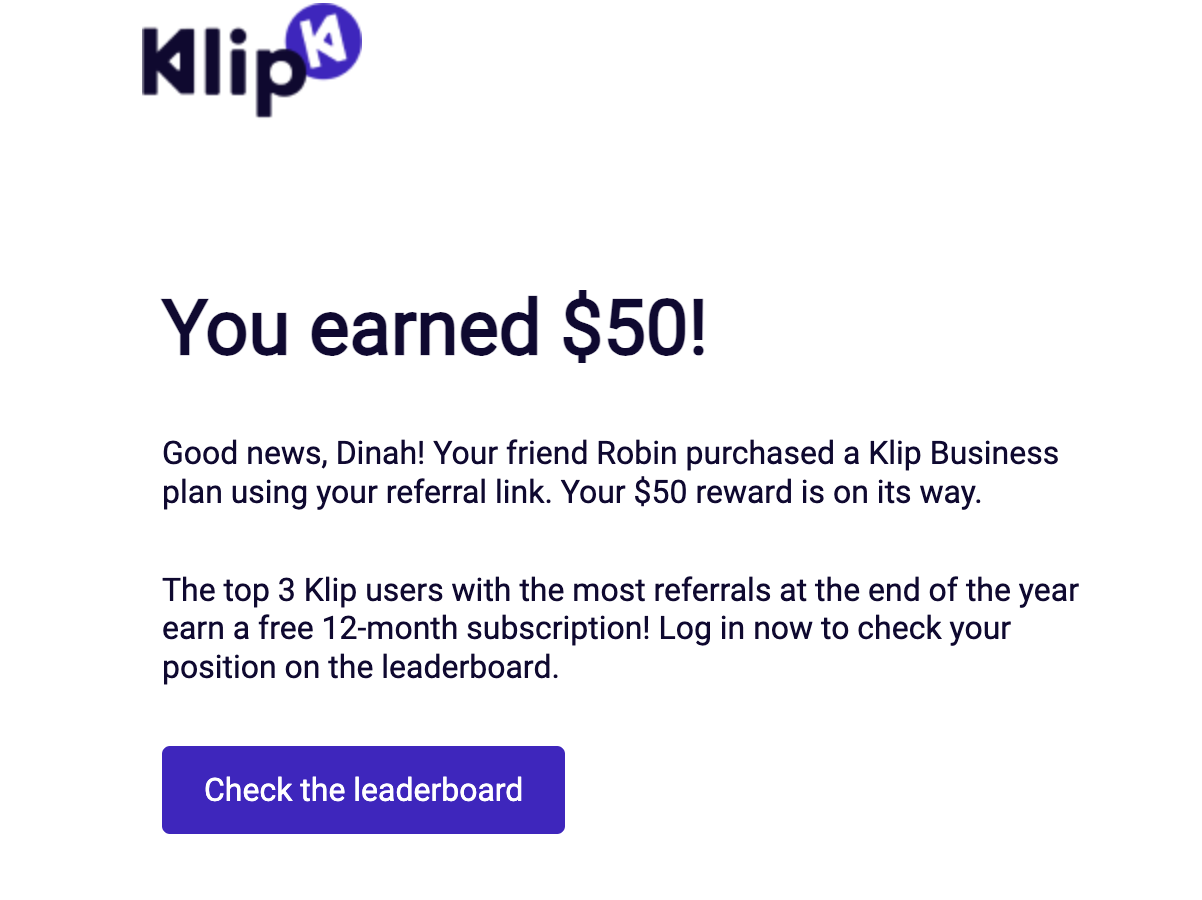
Program emails are sent to your participants at key milestones in their referral journey, like when a referral has been started or they’ve earned a reward. You can determine which actions prompt a program email when you set up your program rules.
{% hint style="info" %}
**Note:** impact.com does not support sending marketing emails through the platform, so you’ll need to advertise your referral program through a separate service or integration.
{% endhint %}
Learn more about [email experiences](/brand/what-would-you-like-to-learn-about/advocate-program/manage-advocate-participant-experiences/email-experiences.md).
#### Microsites
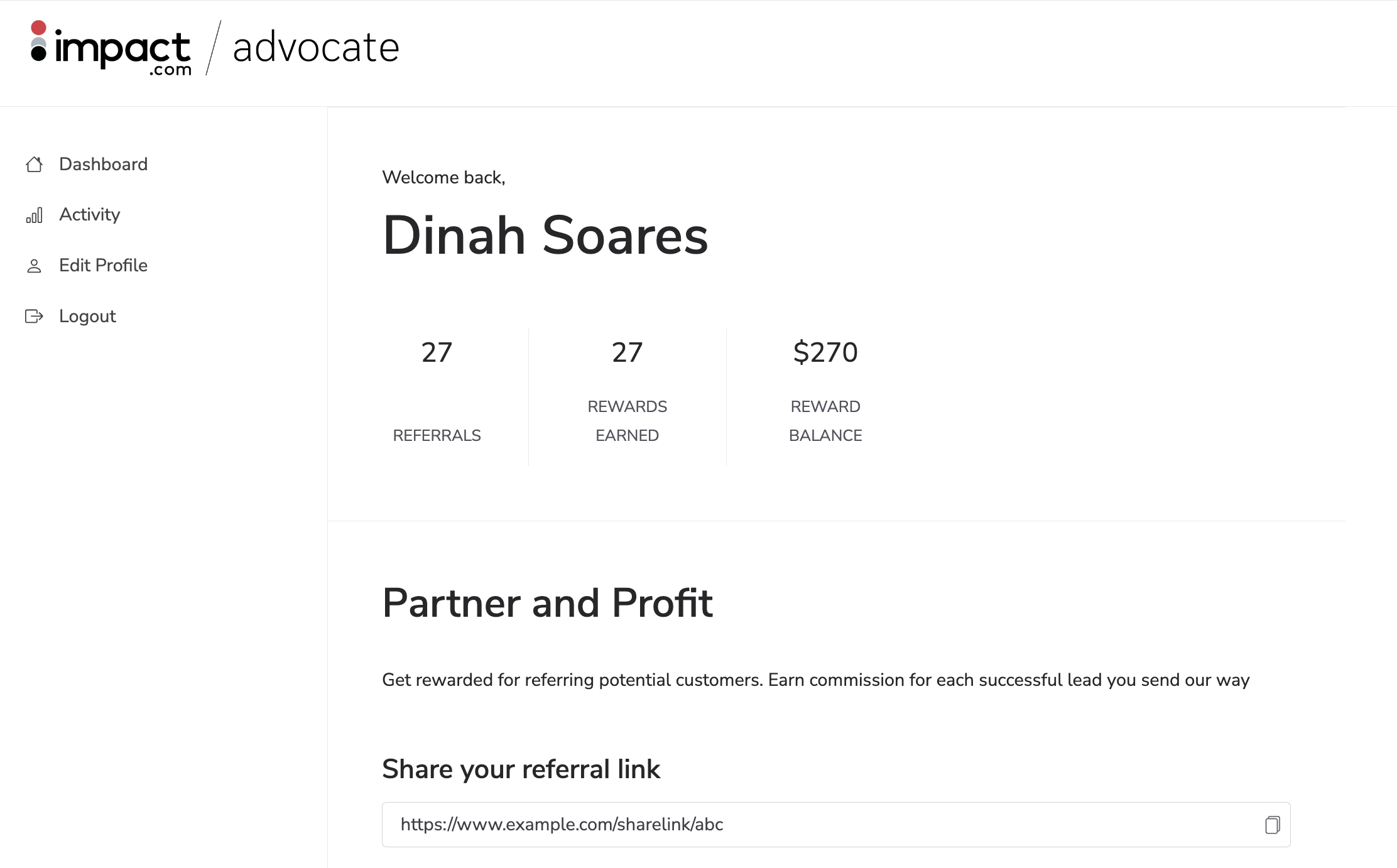
A microsite is a single-purpose, standalone branded website that serves as the hub for your brand’s referral program. It's typically an alternative customer touchpoint for brands that aren’t able to use a widget.
Microsites provide an equivalent to the in-app widget experience. They require your advocates to register or sign in to access your program.
Learn more about [microsite experiences](/brand/what-would-you-like-to-learn-about/advocate-program/manage-advocate-participant-experiences/microsite-experiences.md).
---
# Agent Instructions
This documentation is published with GitBook. GitBook is the documentation platform designed so that both humans and AI agents can read, navigate, and reason over technical content effectively. Learn more at gitbook.com.
## Querying This Documentation
If you need additional information that is not directly available in this page, you can query the documentation by asking a question.
Perform an HTTP GET request on the following URL with the `ask` and `goal` query parameters:
```
GET https://help.impact.com/brand/what-would-you-like-to-learn-about/advocate-program/manage-advocate-participant-experiences/introduction-to-participant-experiences.md?ask=&goal=
```
`ask` is the immediate question: it should be specific, self-contained, and written in natural language.
`goal` is what the user is ultimately trying to achieve, the reason they need the answer. Sharing it helps GitBook give you a better, more relevant answer. A goal is most helpful when it describes the outcome the user wants rather than restating the question. For example, with `ask=how do I create an API token`, a goal like `automate deployments from our CI pipeline` lets GitBook tailor the answer to that use case.
The response will contain a direct answer to the question and relevant excerpts and sources from the documentation.
Use this mechanism when the answer is not explicitly present in the current page, you need clarification or additional context, or you want to retrieve related documentation sections.