> For the complete documentation index, see [llms.txt](https://help.impact.com/llms.txt). Markdown versions of documentation pages are available by appending `.md` to page URLs; this page is available as [Markdown](https://help.impact.com/brand/ja/what-would-you-like-to-learn-about/advocate-program/manage-advocate-participant-experiences/introduction-to-participant-experiences.md).
# 参加者体験の紹介
PXAコースを受講する
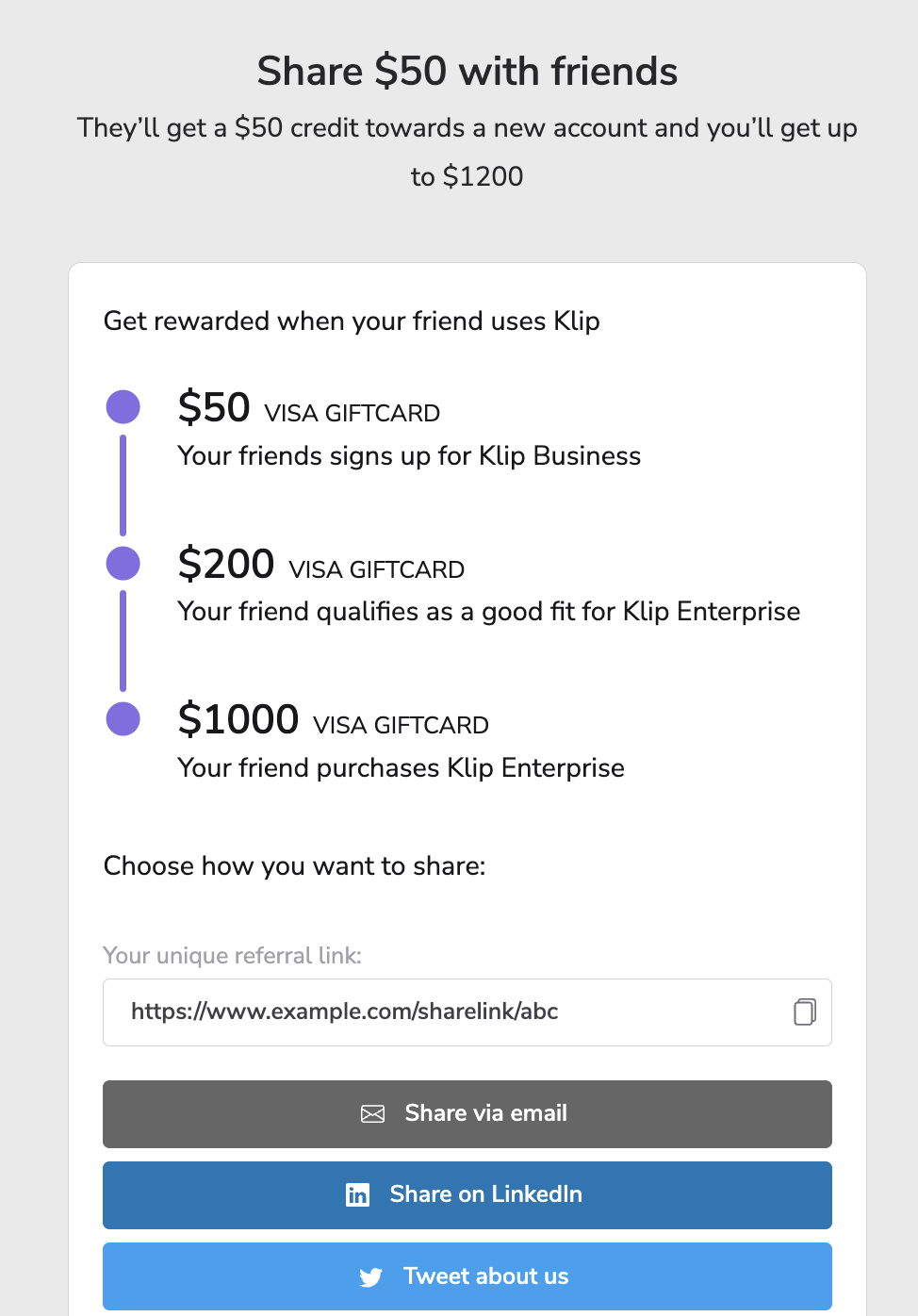
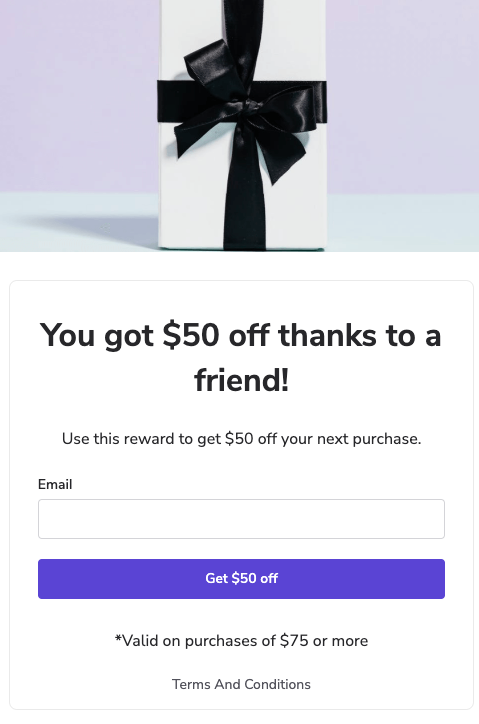
あなたの顧客アドボケイトと、彼らが紹介する友人は、プログラムのウィジェットまたはマイクロサイト、そして取引メールを通じて Advocate プログラムとやり取りできます。これらの要素は、アドボケイトとその友人の *参加者の体験* 紹介プログラムの
各タッチポイントのブランディング、コンテンツ、メッセージ、コンポーネントは、 *コンテンツ* impact.com アカウントのページで設定できます。このガイドでは、各タッチポイントの概要と、より詳細なドキュメントへのリンクを紹介します。
#### ウィジェット
ウィジェットは、紹介プログラムのブランド化されたタッチポイントであり、紹介プログラムのメッセージを強化し、顧客アドボケイトが紹介を始めるための出発点を提供します。アドボケイトが紹介リンクやコードを取得・共有し、紹介履歴を確認し、次のような機能にアクセスできるスペースを提供します。 [報酬交換](/brand/ja/what-would-you-like-to-learn-about/advocate-program/advocate-rewards/reward-exchange-explained.md).
ウィジェットは、次のいずれかです。 *認証済みアクセス*、アプリ内体験を提供するもの、または *即時アクセス*、eコマース分野の紹介プログラムでは、通常、チェックアウトプロセスの一部として使用されます。
紹介プログラムには、複数のウィジェット、またはウィジェットとマイクロサイトの組み合わせを含めることができます。
詳細については、 [ウィジェット体験](/brand/ja/what-would-you-like-to-learn-about/advocate-program/manage-advocate-participant-experiences.md).
#### 取引メール
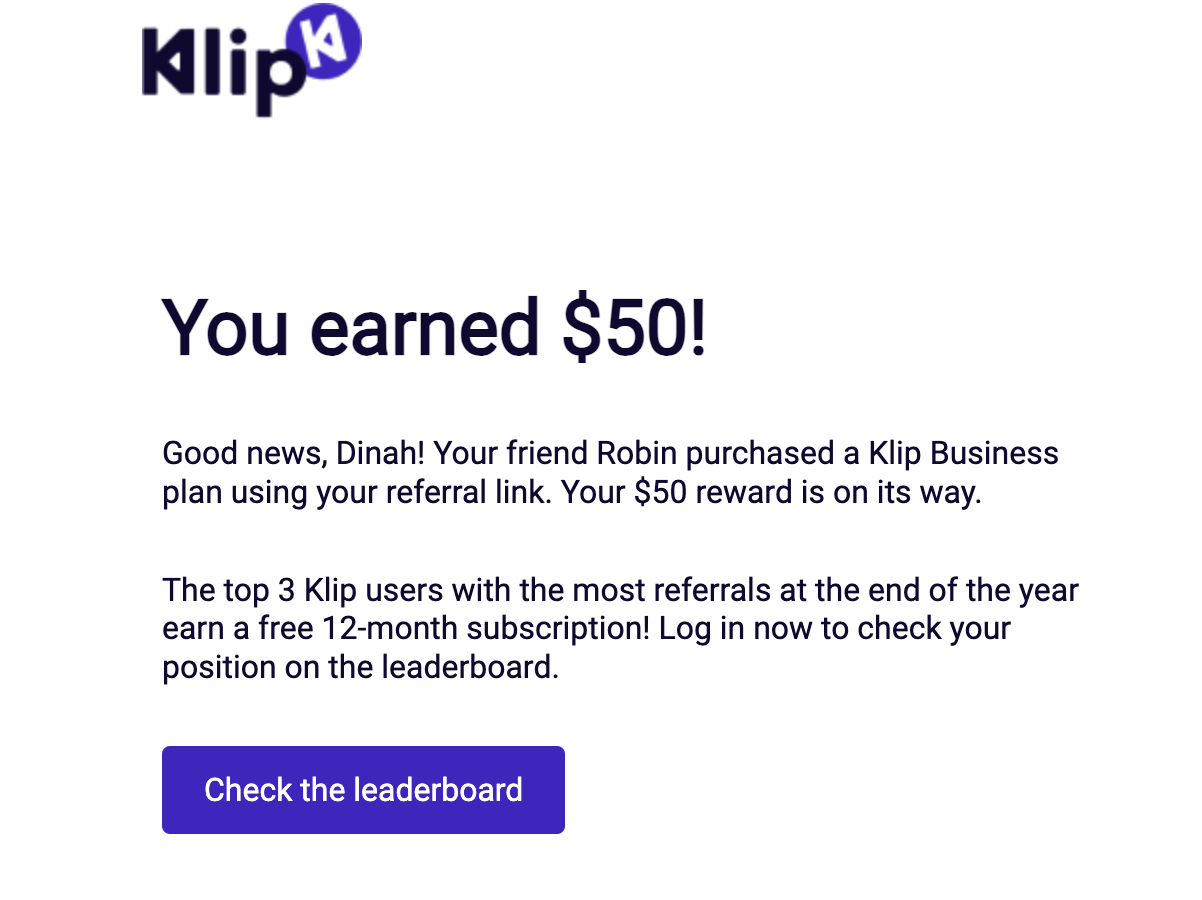
プログラムメールは、紹介が開始されたときや報酬を獲得したときなど、紹介の過程における重要な節目で参加者に送信されます。どのアクションでプログラムメールをトリガーするかは、プログラムルールの設定時に決定できます。
{% hint style="info" %}
**注:** impact.com では、プラットフォームを通じたマーケティングメールの送信はサポートされていないため、紹介プログラムの告知には別のサービスまたは連携を使用する必要があります。
{% endhint %}
詳細については、 [メール体験](/brand/ja/what-would-you-like-to-learn-about/advocate-program/manage-advocate-participant-experiences/email-experiences.md).
#### マイクロサイト
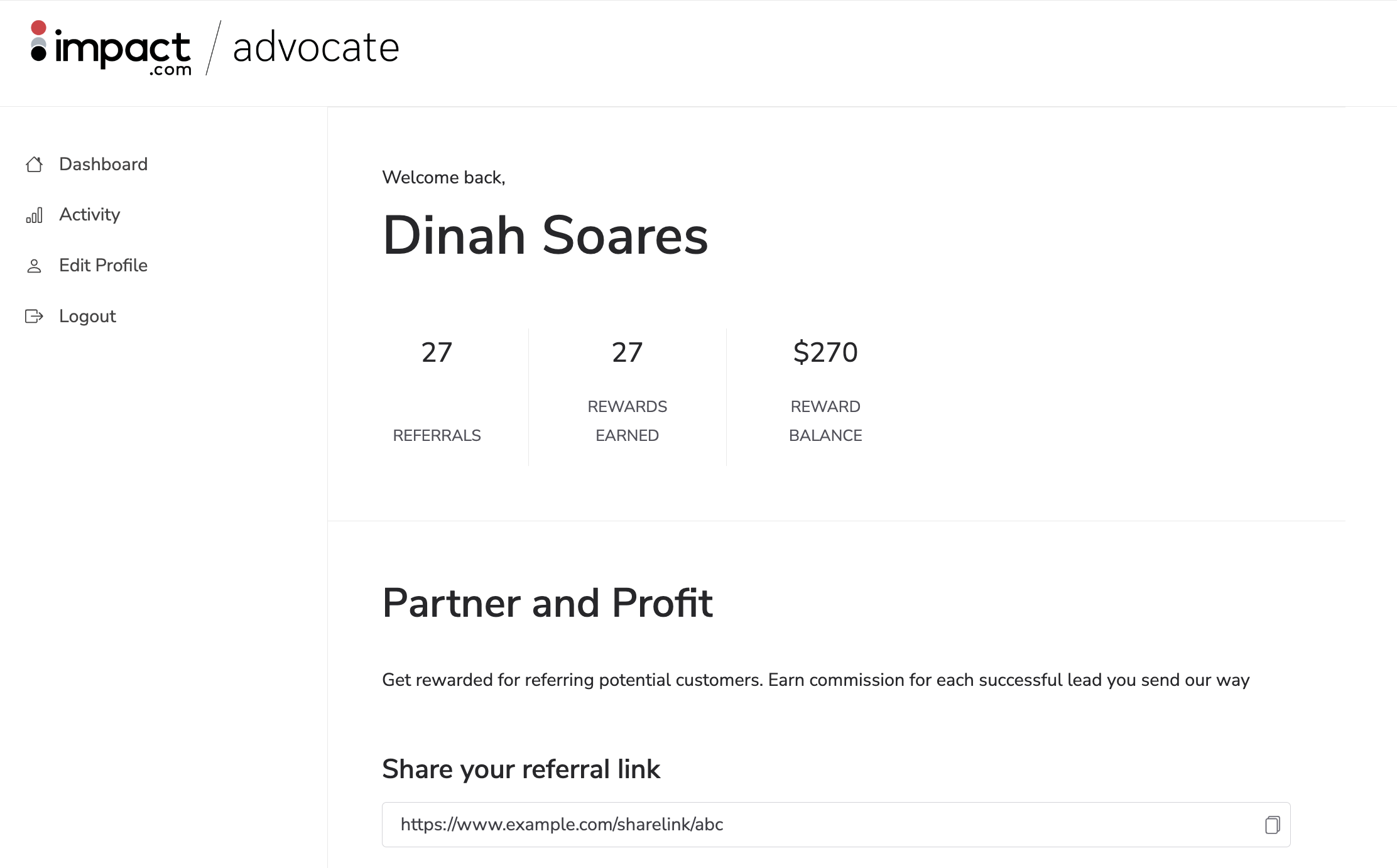
マイクロサイトとは、1つの目的に特化した独立したブランドサイトで、ブランドの紹介プログラムのハブとして機能します。通常、ウィジェットを利用できないブランドにとっての代替となる顧客タッチポイントです。
マイクロサイトは、アプリ内ウィジェット体験に相当するものを提供します。プログラムにアクセスするには、アドボケイトに登録またはサインインしてもらう必要があります。
詳細については、 [マイクロサイト体験](/brand/ja/what-would-you-like-to-learn-about/advocate-program/manage-advocate-participant-experiences/microsite-experiences.md).
---
# Agent Instructions
This documentation is published with GitBook. GitBook is the documentation platform designed so that both humans and AI agents can read, navigate, and reason over technical content effectively. Learn more at gitbook.com.
## Querying This Documentation
If you need additional information that is not directly available in this page, you can query the documentation by asking a question.
Perform an HTTP GET request on the following URL with the `ask` and `goal` query parameters:
```
GET https://help.impact.com/brand/ja/what-would-you-like-to-learn-about/advocate-program/manage-advocate-participant-experiences/introduction-to-participant-experiences.md?ask=&goal=
```
`ask` is the immediate question: it should be specific, self-contained, and written in natural language.
`goal` is what the user is ultimately trying to achieve, the reason they need the answer. Sharing it helps GitBook give you a better, more relevant answer. A goal is most helpful when it describes the outcome the user wants rather than restating the question. For example, with `ask=how do I create an API token`, a goal like `automate deployments from our CI pipeline` lets GitBook tailor the answer to that use case.
The response will contain a direct answer to the question and relevant excerpts and sources from the documentation.
Use this mechanism when the answer is not explicitly present in the current page, you need clarification or additional context, or you want to retrieve related documentation sections.