> For the complete documentation index, see [llms.txt](https://help.impact.com/llms.txt). Markdown versions of documentation pages are available by appending `.md` to page URLs; this page is available as [Markdown](https://help.impact.com/brand/fr/what-would-you-like-to-learn-about/account-administration/account-settings/create-custom-partner-sign-up-terms-for-brands.md).
# Créer des conditions d'inscription de partenaire personnalisées pour les marques
Vous pouvez définir des conditions standard ou des conditions personnalisées auxquelles le partenaire devra accepter lors de son inscription. Ce sont les conditions qui régissent votre relation de marketing à la performance avec les partenaires. Lors de la configuration de votre [image de marque personnalisée du programme](/brand/fr/what-would-you-like-to-learn-about/account-administration/program-settings/profile-and-branding/customize-your-program-branding.md), vous aurez la possibilité de choisir entre :
* Accord-cadre standard du programme (MPA)
* Conditions d'inscription personnalisées
## Accord-cadre standard du programme
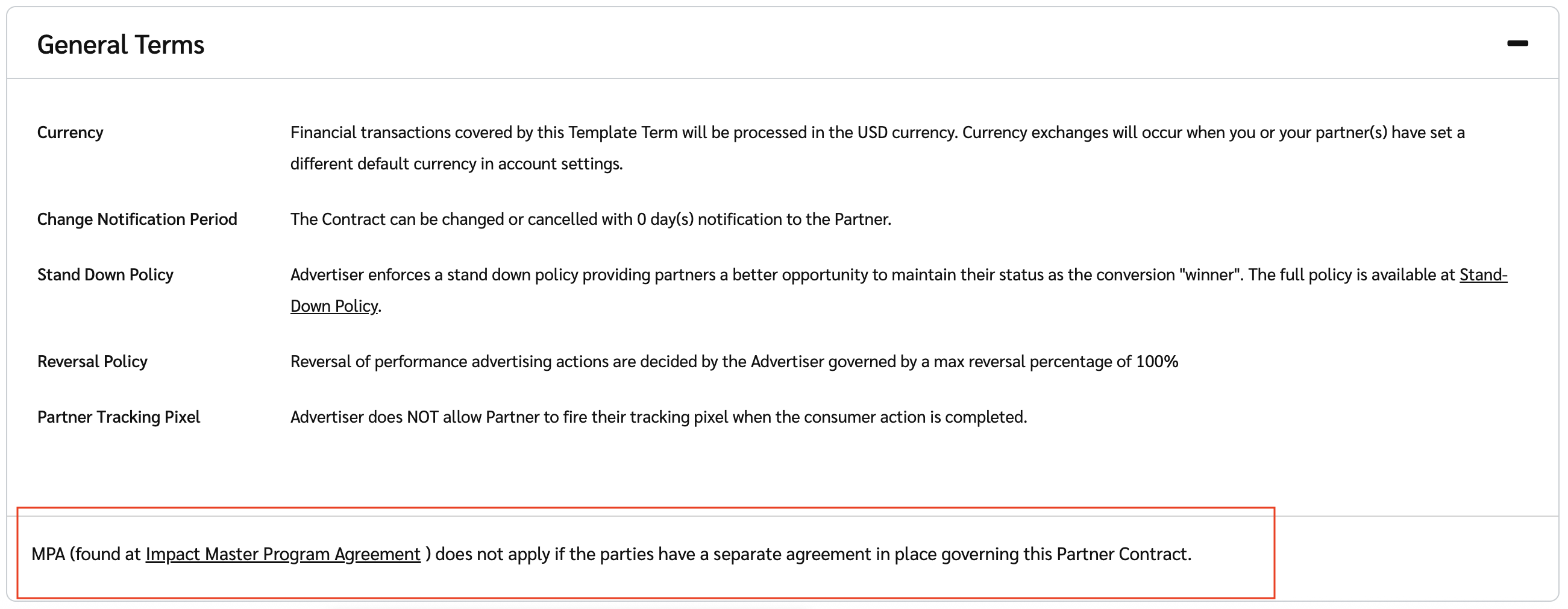
Si vous conservez cette option par défaut, toutes les pages d'inscription des partenaires afficheront les conditions d'impact.com [Accord-cadre du programme](https://impact.com/legal/impact.com_Master_Program_Agreement.pdf) (MPA).
Les conditions d'inscription du partenaire s'appliquent à la fois aux nouvelles inscriptions de partenaires et aux partenaires existants. Si vous avez des questions ou des préoccupations concernant cet accord, [contactez l’assistance](https://app.impact.com/support/portal.ihtml).
* Voici comment les conditions s'afficheront pour un partenaire :
#### Conditions d'inscription personnalisées
Personnaliser vos propres conditions d'inscription des partenaires vous permet de créer des conditions personnalisées auxquelles le partenaire peut accepter lors de son inscription. Pour définir des conditions d'inscription personnalisées, procédez comme suit :
1. Dans la barre de navigation supérieure, sélectionnez  **\[Profil utilisateur] → Paramètres**.
2. À gauche, sous le *Image de marque* section, sélectionnez **Page d’inscription**.
3. Dans le *Conditions de l’accord partenaire* section, sélectionnez **Utiliser mes propres conditions d’inscription personnalisées (PDF)**.
4. Sélectionnez **Choisir un fichier**.
* Téléversez un fichier PDF des conditions auxquelles vous souhaitez que le partenaire accepte lors de l'inscription.
5. Sélectionnez **Enregistrer**.
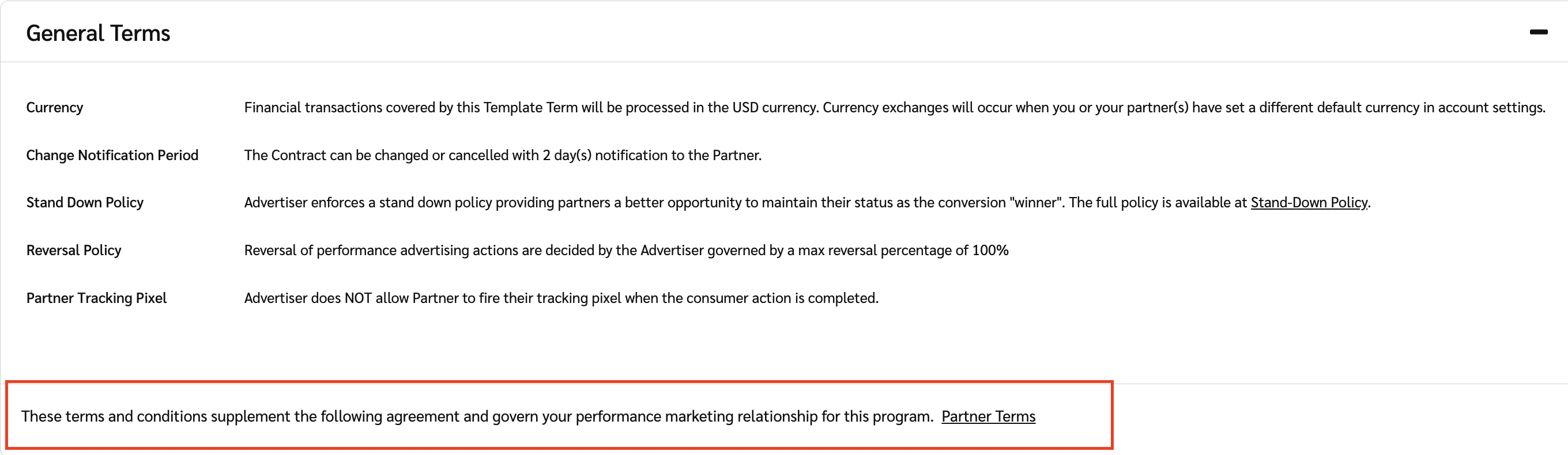
* Voici comment les conditions s'afficheront pour un partenaire :
---
# Agent Instructions
This documentation is published with GitBook. GitBook is the documentation platform designed so that both humans and AI agents can read, navigate, and reason over technical content effectively. Learn more at gitbook.com.
## Querying This Documentation
If you need additional information that is not directly available in this page, you can query the documentation by asking a question.
Perform an HTTP GET request on the following URL with the `ask` and `goal` query parameters:
```
GET https://help.impact.com/brand/fr/what-would-you-like-to-learn-about/account-administration/account-settings/create-custom-partner-sign-up-terms-for-brands.md?ask=&goal=
```
`ask` is the immediate question: it should be specific, self-contained, and written in natural language.
`goal` is what the user is ultimately trying to achieve, the reason they need the answer. Sharing it helps GitBook give you a better, more relevant answer. A goal is most helpful when it describes the outcome the user wants rather than restating the question. For example, with `ask=how do I create an API token`, a goal like `automate deployments from our CI pipeline` lets GitBook tailor the answer to that use case.
The response will contain a direct answer to the question and relevant excerpts and sources from the documentation.
Use this mechanism when the answer is not explicitly present in the current page, you need clarification or additional context, or you want to retrieve related documentation sections.