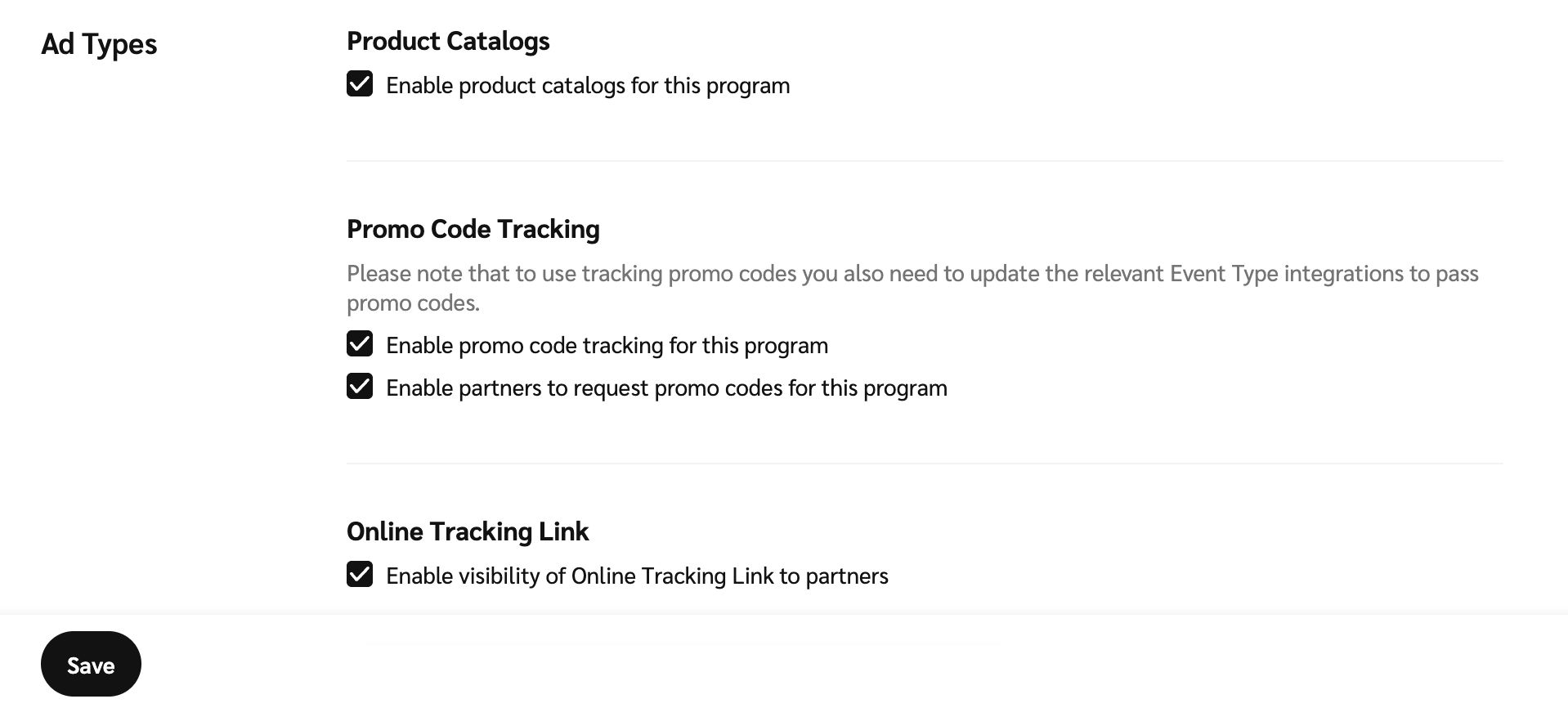
# Schritt 1: Ihren Produktkatalog-Feed prüfen und aktivieren
Wenn Sie auf einer E-Commerce-Website einen Produktkatalog haben, können Sie einen Katalog konfigurieren. [Aktivieren Sie Produktkataloge für Ihr Programm](https://help.impact.com/en/support/solutions/articles/48001234925).
* **Shopify:** [Verbinden Sie Ihren Shopify-Produktkatalog](https://integrations.impact.com/impact-brand/docs/shopify-product-catalog) um einfach eine aktuelle Liste der Produkte Ihres Shops hinzuzufügen.
* **Big Commerce/Magento/Woo Commerce:** Synchronisieren Sie Ihren Produkt-Feed manuell über das [Integrierter Warenkorb-Import](https://help.impact.com/en/support/solutions/articles/48001234925) (In Schritt 6 der *Einen Katalog hinzufügen* Anweisungen folgen Sie den Anweisungen auf der *Integrierter Warenkorb-Import* Registerkarte).
---
# Agent Instructions: Querying This Documentation
If you need additional information that is not directly available in this page, you can query the documentation dynamically by asking a question.
Perform an HTTP GET request on the current page URL with the `ask` query parameter:
```
GET https://help.impact.com/brand/de/woruber-mochten-sie-mehr-erfahren/readme/im-new-to-impact.com/welcome-to-impact.com-starter-edition/step-1-review-and-activate-your-product-catalog-feed.md?ask=
```
The question should be specific, self-contained, and written in natural language.
The response will contain a direct answer to the question and relevant excerpts and sources from the documentation.
Use this mechanism when the answer is not explicitly present in the current page, you need clarification or additional context, or you want to retrieve related documentation sections.